

 APK
APK Google Play
 iOS
iOS 4.40
4.40About This App
-
Package Name
com.postmates.android
-
Version Name
V6.201.10000
-
Version Code
112179312
-
File Size
112.78 MB
-
System
Android 8.0+ (Oreo, API 26)
-
Update time
2023-01-01

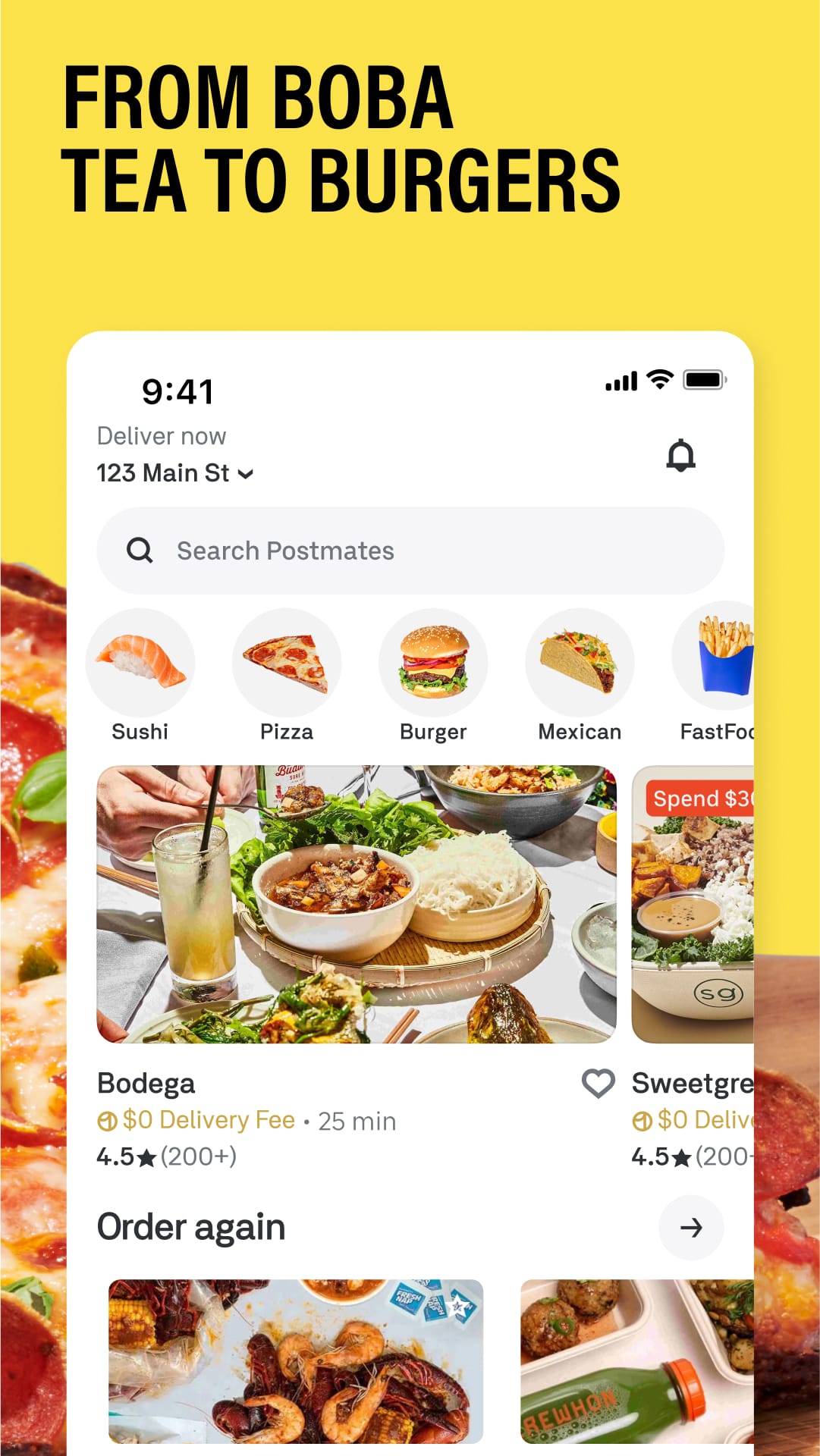
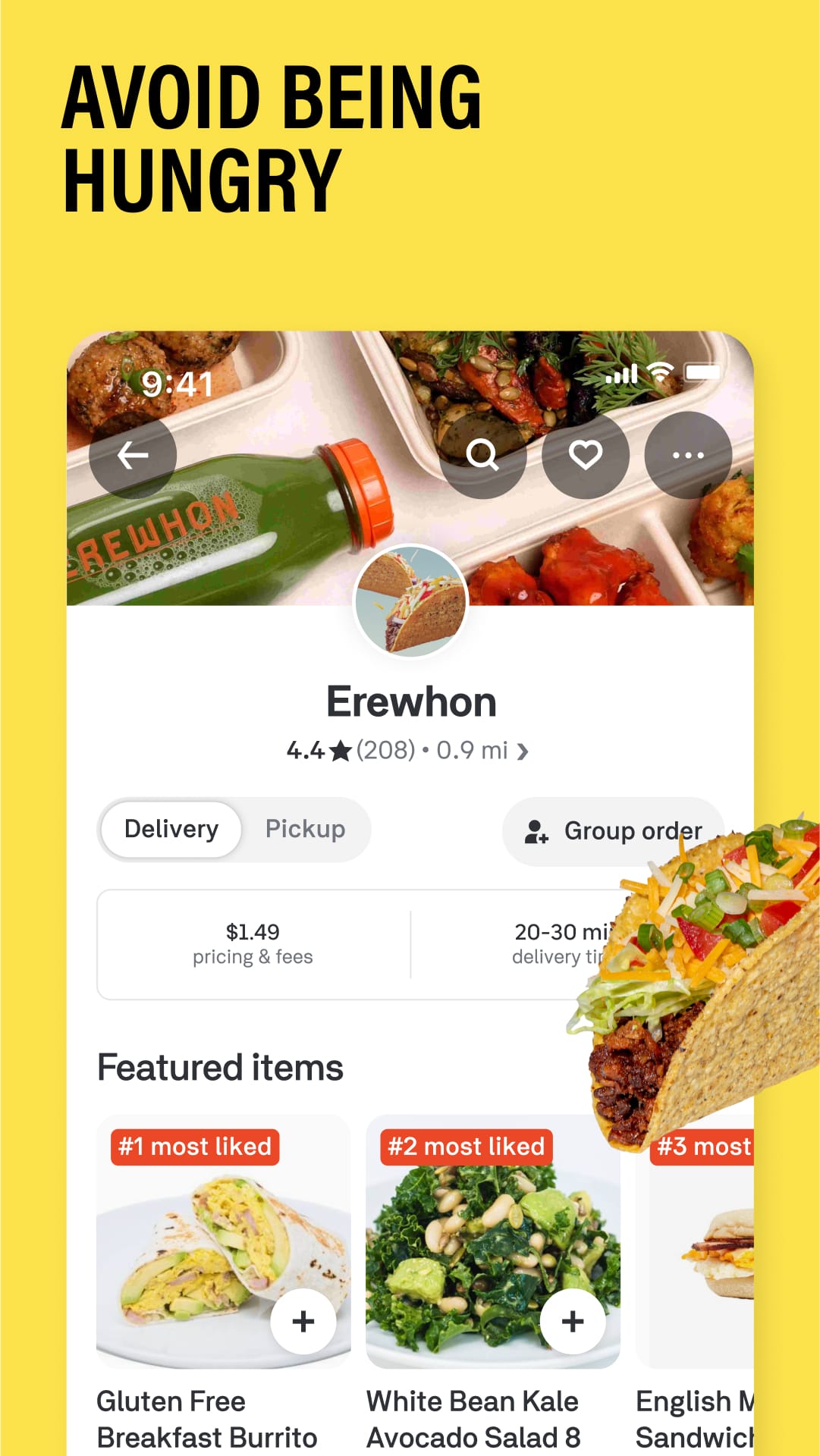
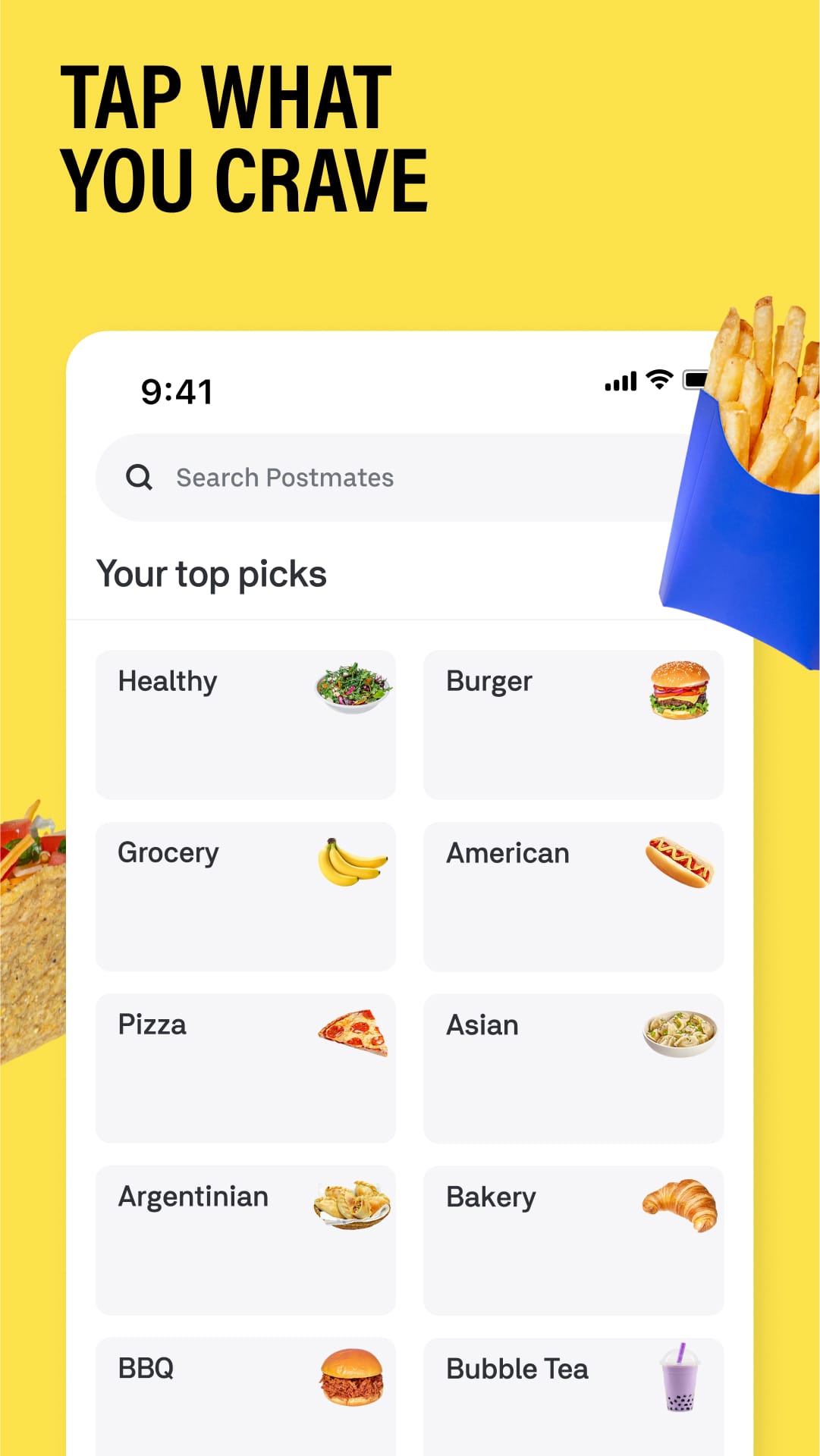
Picture this: you're relaxing on the couch, movie night prepped, but realize there are no chips or drinks in sight. Or maybe you're swamped with work and have zero time to grab lunch. Enter Postmates, your on-demand delivery superhero, ready to bring your favorite things straight to your doorstep – no errands required!
Postmates is a delivery service that connects you with a network of friendly couriers. Whether you're craving restaurant food, groceries, or anything else a store might offer, Postmates gets it to you quickly and conveniently.
Unlock a World of Delivery Bliss
Postmates offers a variety of features to satisfy your cravings and needs:
-
Wide Selection: Indulge in your favorite restaurant meals, discover new local spots, or grab groceries and household essentials – all delivered straight to your door.
-
Real-Time Tracking: Never wonder where your delivery is again! Postmates allows you to track your order in real-time, so you know exactly when to expect your goodies.
-
Multiple Payment Options: Pay for your delivery the way you like, with secure options like credit cards, debit cards, or even Apple Pay.
-
Delivery Notes: Got specific requests? No problem! Leave delivery notes for the courier to ensure you get your order exactly as you want it.
Beyond Takeout: How Postmates Makes Life Easier
-
Gifts on the Go: Forgot a birthday present? Postmates lets you send gifts from stores to friends and family, saving you a last-minute scramble.
-
Late-Night Lifesaver: Need some medicine or forgotten phone charger delivered after hours? Postmates often operates late into the night, ensuring you get what you need, even on a whim.
-
Shortcut for Busy Schedules: Don't have time to run errands? Postmates lets you delegate those tasks and free up your schedule for more important things.
Who Needs Postmates in Their Life?
-
Busy Professionals: Short on time but need lunch or groceries delivered? Postmates is your perfect solution.
-
Foodies on a Mission: Craving something specific or curious about a new restaurant? Postmates lets you explore your culinary options without leaving the house.
-
Anyone Who Hates Errands: Ditch the traffic and long lines! Postmates brings the convenience of shopping and takeout directly to you.
Imagine Your Perfect Delivery Day
You wake up to a rainy Saturday morning, craving pancakes for breakfast. No worries! Whip out your phone, order your favorite pancake mix and syrup through Postmates, and enjoy a delicious breakfast in your pajamas. Later, while catching up on emails, you realize you're out of coffee. No problem! Order some beans from your local coffee shop through the app, and have them delivered before your next meeting.
A Few Things to Consider:
-
Delivery Fees: Postmates charges delivery fees on each order, which can vary depending on distance and order size.
-
Availability: While Postmates operates in many cities, it might not be available in all locations yet.
-
Restaurant Selection: The selection of restaurants and stores available for delivery can vary depending on your area.
Why Choose Postmates?
Postmates is your gateway to a world of convenience. From restaurant meals and groceries to last-minute errands and gifts, it delivers the things you need and want, straight to your doorstep. So, ditch the extra trips and download Postmates today! It's your on-demand delivery superhero, ready to make life a little bit easier (and tastier!).

 APK
APK








-
01How do I install this app after downloading it?
If you're an Android user and don't download the app from the official Google Play Store,you may find the installation process more complicated than usual.
But we are delighted to inform you that you don't need to worry. To ensure you could install this app smoothly,we have written and uploaded a detailed tutorial. It would guide you on installing an app after downloading it from our website step by step,with the help of pictures.
You may find this helpful article on the downloading site,or visit How to install APK/XAPK files on Android.
If you need further help,please do not hesitate to contact us via email [email protected].
-
02Is this app safe to use?
We fully understand your concern about safety. We agree that one person wouldn't be too careful in the cyber world. Meanwhile,we are happy to tell you that one of our priorities is to provide our users with safe app files that they can use without any worries.
We guarantee that all the app files we provided originate from official and reliable sources. We promise that they do not contain any malware that will harm your hardware or the safety of your privacy.
-
03Is this app free to download?
We are happy to inform you that the answer is an absolute YES! All the apps on our website are 100% free to download. Besides,you do not have to create an account. Just click on the download button,and it's done.
-
04How do I find my account back?
Recently we received a lot of emails from our users,which said they couldn't log in for different reasons,such as 'forgot the user name or password' or 'had a new phone.' We are willing to help you out. Please read the notes below to see what we can do.
To answer this question,please first let us know which account you're referring to.
If you're referring to your account of some app,like your Facebook account or your Youtube account. Unfortunately,we would not be able to help in this case. We would suggest you turn to the customer service of this application.
-
05How do I cancel subscriptions?
This question is essentially quite similar to the prior one. It's a pity that we are unable to help you to cancel the subscription to a third-party application directly,while we would suggest you to contact its customer service for further information.
-
06How do I get a refund?
Sorry that we are unable to help you to get a refund from a third-party application directly. If you wish to get a refund from a third-party app,we would suggest you to contact its customer service. We would be happy to provide you the way to contact them.
If you want a refund from us,we should apologize for your confusion. Our service is 100% free,and any payment information is not required.
If you run into any site that asks you to provide your payment information,be careful. Remember never reveal your payment information to any unauthorized third parties,no matter how attempting their offer may seem.
-
07How to use this app?
Sorry that we cannot answer this question directly,for this only aims to answer some general questions. You may find how to use a certain app by checking our review page.
1. appsresort.com does not represent any developer, nor is it the developer of any App or game.
2. appsresort.com provide custom reviews of Apps written by our own reviewers, and detailed information of these Apps, such as developer contacts, ratings and screenshots.
3. All trademarks, registered trademarks, product names and company names or logos appearing on the site are the property of their respective owners.
4. appsresort.com abides by the federal Digital Millennium Copyright Act (DMCA) by responding to notices of alleged infringement that complies with the DMCA and other applicable laws.
5.If you are the owner or copyright representative and want to delete your information, please contact us info@ appsresort.com .
6.All the information on this website is strictly observed all the terms and conditions of Google Ads Advertising policies and Google Unwanted Software policy.
7. appsresort.com is an independent, information-only website which is 100% free to all the users.