
Open Menu
Home
Apps
Games
Articles
Additional Information
Category
Lifestyle
Version
V4.1.40131
Tag
thinq | smartphone | lg
Rate
4.3
Reviews
17788
Installs
100,000,000+
Developer
LG Electronics, Inc.
Content Rating
Everyone
Discover how a connected life with ThinQ makes your life easier.
About This App
  • Package Name

    com.lgeha.nuts

  • Version Name

    V4.1.50020

  • Version Code

    40003504

  • File Size

    207.37 MB

  • System

    Android 7.0+ (Nougat, API 24)

  • Update time

    2023-01-01

Screenshots
screenshot screenshot screenshot screenshot
Author's Review
Apkseeker Review
LG ThinQ: Transforming Your Living Space into a Smart Home Hub
Interested in revolutionizing your daily life with the power of smart technology? Discover LG ThinQ, the ultimate solution for managing your LG smart home ecosystem. This intuitive application serves as the central control hub, enabling you to oversee and operate your LG devices effortlessly from any location. Designed for both tech enthusiasts and beginners, LG ThinQ provides a smooth and efficient way to enhance your home environment, making smart living accessible to all.
The Capabilities of LG ThinQ
LG ThinQ is much more than just a remote control application for your LG devices. It serves as an all-encompassing platform that simplifies your daily routines and enhances home management with ease. Here is an overview of what LG ThinQ offers: First, Remote Access and Control: Envision the convenience of initiating a wash cycle while at the office or preheating your oven during your commute. LG ThinQ empowers you to manage your LG washing machine, dryer, oven, refrigerator, and other appliances from anywhere using your smartphone. This means no more hurried trips home to change laundry loads or concerns about leaving the oven on. Second, Intelligent Monitoring and Notifications: With LG ThinQ, you can keep track of your appliances' status through its real-time monitoring capabilities. Get notified when your laundry is done, receive alerts for dryer filter maintenance, or check the temperature of your refrigerator, all from your mobile device. LG ThinQ ensures you are always informed and that your appliances operate efficiently. Third, Customized Schedules and Settings: LG ThinQ enables you to establish personalized schedules for a smarter home experience. For instance, you can set your washing machine to automatically select a delicate cycle when you add items to the ThinQ app, or
Initiating Use of the LG ThinQ Platform
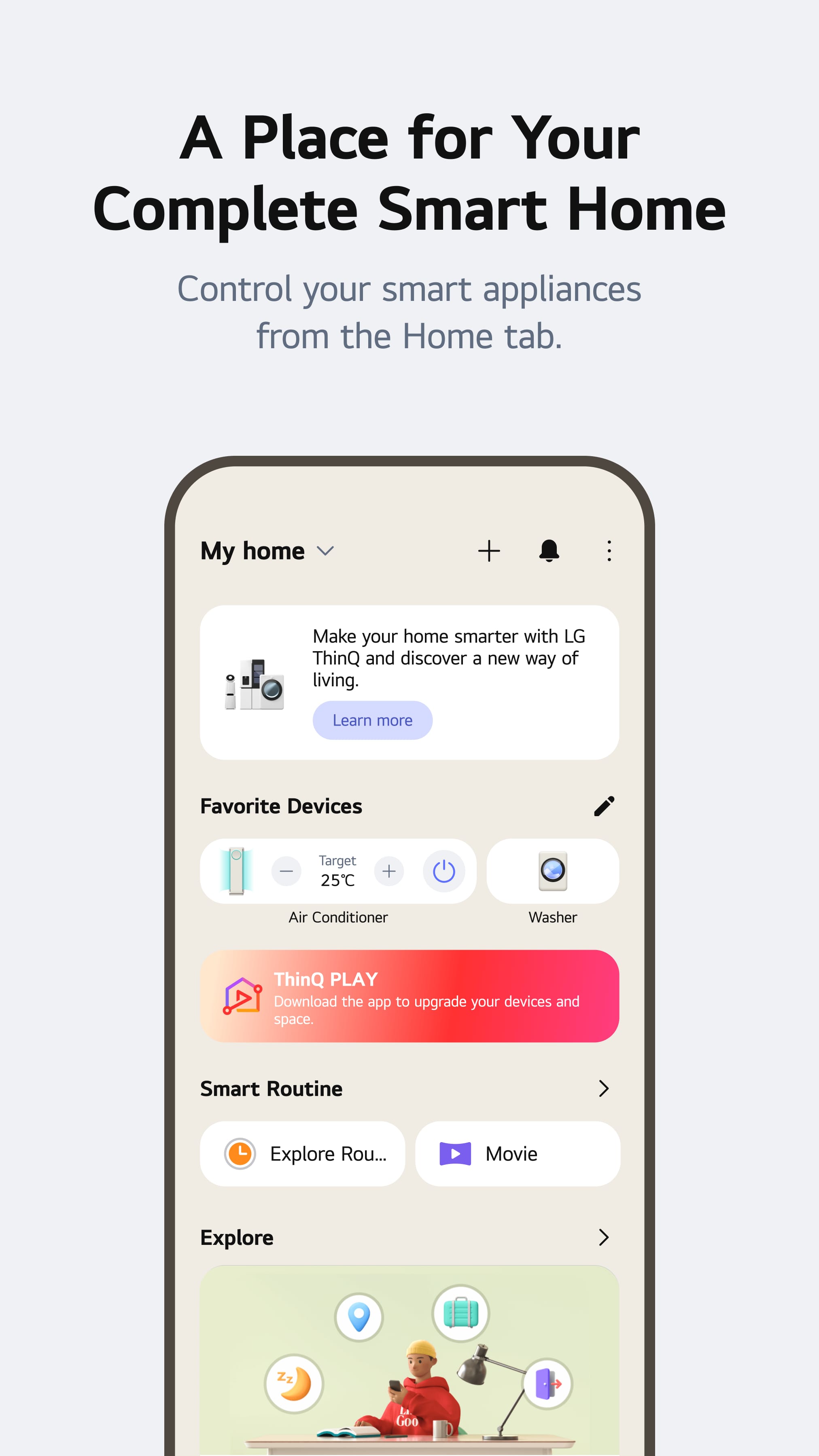
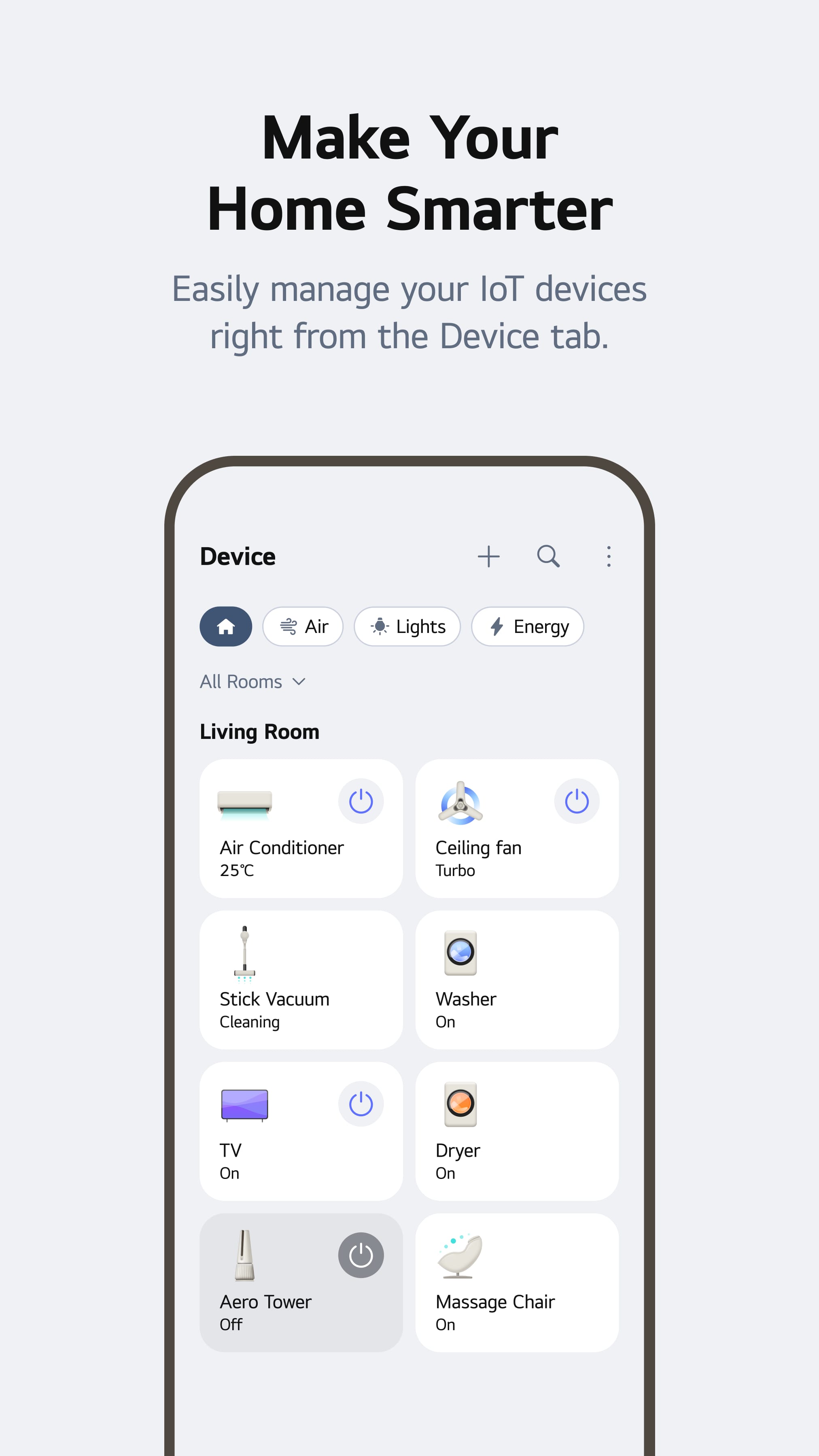
Interested in unlocking the benefits of LG ThinQ? Follow this comprehensive guide to begin your journey: First, acquire the application by visiting the App Store or Google Play Store and searching for "LG ThinQ." Proceed to download and set up the application on your suitable mobile device or tablet. Next, establish your LG ThinQ account by launching the app and registering with your email and a unique password. To connect your LG appliances, ensure they are switched on and within the range of your Wi-Fi network, as the platform relies on Wi-Fi or Bluetooth for connectivity. Adhere to the in-app prompts to individually link each device, which will often involve inputting your home Wi-Fi password. Once linked, the LG ThinQ app will display a user-friendly interface showcasing all your connected appliances. Each device will have a dedicated tile or icon for straightforward access to its specific controls and configurations. Finally, familiarize yourself with the various features and settings available for your appliances. This includes managing basic operations like starting or stopping cycles, modifying settings such as temperature or spin speed, and even tracking energy usage where applicable.
Exploring LG ThinQ's Cutting-Edge Capabilities
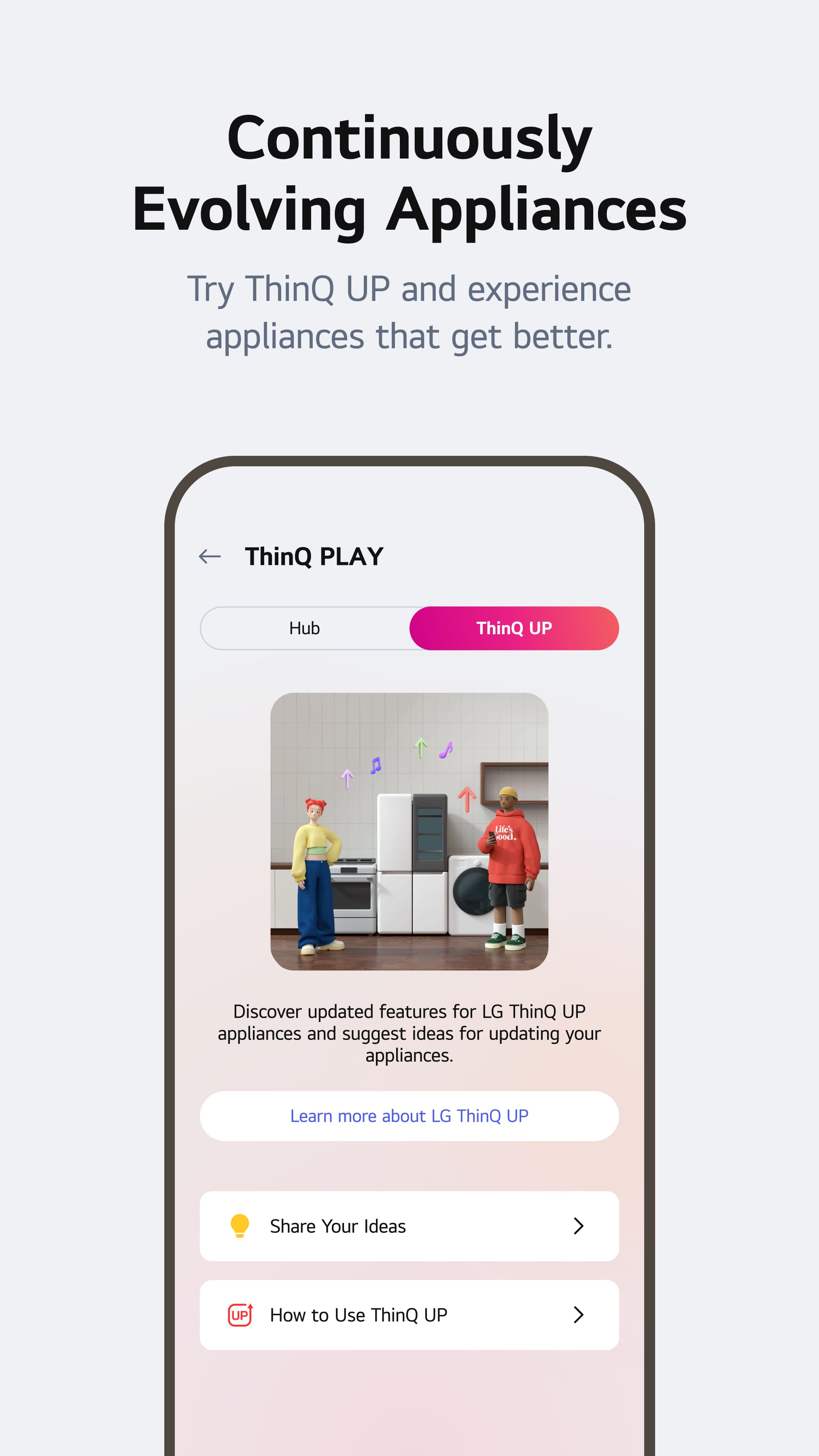
LG ThinQ presents an array of sophisticated features designed to elevate your smart home experience. Firstly, the Smart Diagnosis tool is invaluable for resolving appliance issues. By utilizing your smartphone's camera to scan a QR code on the appliance, the app can identify potential malfunctions and propose remedies. Secondly, LG ThinQ is progressively incorporating voice control capabilities via platforms such as Google Assistant and Amazon Alexa, although availability may vary by region. This feature enables users to operate their LG devices through intuitive voice commands, enhancing convenience significantly. Lastly, the ThinQ Marketplace serves as a central platform for exploring new features and functionalities for LG appliances. Users can access additional wash cycles for their洗衣机, special cooking settings for their oven, and even discover games and entertainment options for their LG smart TV, all within the LG ThinQ app.
LG ThinQ: A Comparison with Rival Smart Home Solutions
The smart home industry presents numerous applications designed to manage appliances across various manufacturers. Here is an overview comparing LG ThinQ with some of its key competitors: 1. Samsung SmartThings: This versatile application supports Samsung devices and a broad array of other smart home gadgets. It provides extensive compatibility but may require a steeper learning process. 2. Apple HomeKit: Apple's intuitive smart home platform is celebrated for its seamless integration with Apple products. However, its functionality is mainly restricted to Apple devices and a limited number of other brands. The optimal choice hinges on your specific requirements and the brands of appliances in your possession. If you predominantly use LG appliances and value ease of use, LG ThinQ is a commendable selection.
LG ThinQ: Enhancing Your Smart Home Experience
Whether you are an experienced smart home user or just beginning to explore the possibilities, LG ThinQ provides an accessible and efficient solution for managing and overseeing your LG devices. Featuring a straightforward design, the ability to operate appliances from a distance, and a continuously expanding array of capabilities, LG ThinQ represents a valuable addition that simplifies daily routines and enhances home intelligence. Furthermore, with regular updates and the promise of innovative features in the future, LG ThinQ is poised to evolve in tandem with your changing smart home requirements. Therefore, why not try LG ThinQ today and discover the convenience of a smart home firsthand?
Collpase
Download
Previous APK Versions
ZIP files containing Android App Bundles require a Split APKs Installer (e.g., SAI) from Google Play to install. Steps: 1.Download SAI from Google Play;2.Open SAI and tap "Install APKs";3.Locate and select your downloaded ZIP file;4.Grant the "Install Unknown Apps" permission if prompted;5.Wait for the process to complete.
V4.1.50020
APK
Package Name
com.lgeha.nuts
Version Name
V4.1.50020
Version Code
40003504
File Size
207.37 MB
Update time
2023-01-01
You Might Like
  • 01
    How do I install this app after downloading it?

    If you're an Android user and don't download the app from the official Google Play Store,you may find the installation process more complicated than usual.

    But we are delighted to inform you that you don't need to worry. To ensure you could install this app smoothly,we have written and uploaded a detailed tutorial. It would guide you on installing an app after downloading it from our website step by step,with the help of pictures.

    You may find this helpful article on the downloading site,or visit How to install APK/XAPK files on Android.

    If you need further help,please do not hesitate to contact us via email [email protected].

  • 02
    Is this app safe to use?

    We fully understand your concern about safety. We agree that one person wouldn't be too careful in the cyber world. Meanwhile,we are happy to tell you that one of our priorities is to provide our users with safe app files that they can use without any worries.

    We guarantee that all the app files we provided originate from official and reliable sources. We promise that they do not contain any malware that will harm your hardware or the safety of your privacy.

  • 03
    Is this app free to download?

    We are happy to inform you that the answer is an absolute YES! All the apps on our website are 100% free to download. Besides,you do not have to create an account. Just click on the download button,and it's done.

  • 04
    How do I find my account back?

    Recently we received a lot of emails from our users,which said they couldn't log in for different reasons,such as 'forgot the user name or password' or 'had a new phone.' We are willing to help you out. Please read the notes below to see what we can do.

    To answer this question,please first let us know which account you're referring to.

    If you're referring to your account of some app,like your Facebook account or your Youtube account. Unfortunately,we would not be able to help in this case. We would suggest you turn to the customer service of this application.

  • 05
    How do I cancel subscriptions?

    This question is essentially quite similar to the prior one. It's a pity that we are unable to help you to cancel the subscription to a third-party application directly,while we would suggest you to contact its customer service for further information.

  • 06
    How do I get a refund?

    Sorry that we are unable to help you to get a refund from a third-party application directly. If you wish to get a refund from a third-party app,we would suggest you to contact its customer service. We would be happy to provide you the way to contact them.

    If you want a refund from us,we should apologize for your confusion. Our service is 100% free,and any payment information is not required.

    If you run into any site that asks you to provide your payment information,be careful. Remember never reveal your payment information to any unauthorized third parties,no matter how attempting their offer may seem.

  • 07
    How to use this app?

    Sorry that we cannot answer this question directly,for this only aims to answer some general questions. You may find how to use a certain app by checking our review page.