
Open Menu
Home
Apps
Games
Articles
Additional Information
Category
Finance
Version
V2.197.550603569
Tag
wallet | gmail | privacy
Rate
4.5
Reviews
116795
Installs
1,000,000,000+
Developer
Google LLC
Content Rating
Everyone
Fast, secure access to everyday essentials like cards, passes or tickets
About This App
  • Package Name

    com.google.android.apps.walletnfcrel

  • Version Name

    V2.199.553864662

  • Version Code

    930688803

  • File Size

    9.62 MB

  • System

    Android 7.0+ (Nougat, API 24)

  • Update time

    2023-01-01

Screenshots
screenshot screenshot screenshot screenshot
Author's Review
Apkseeker Review
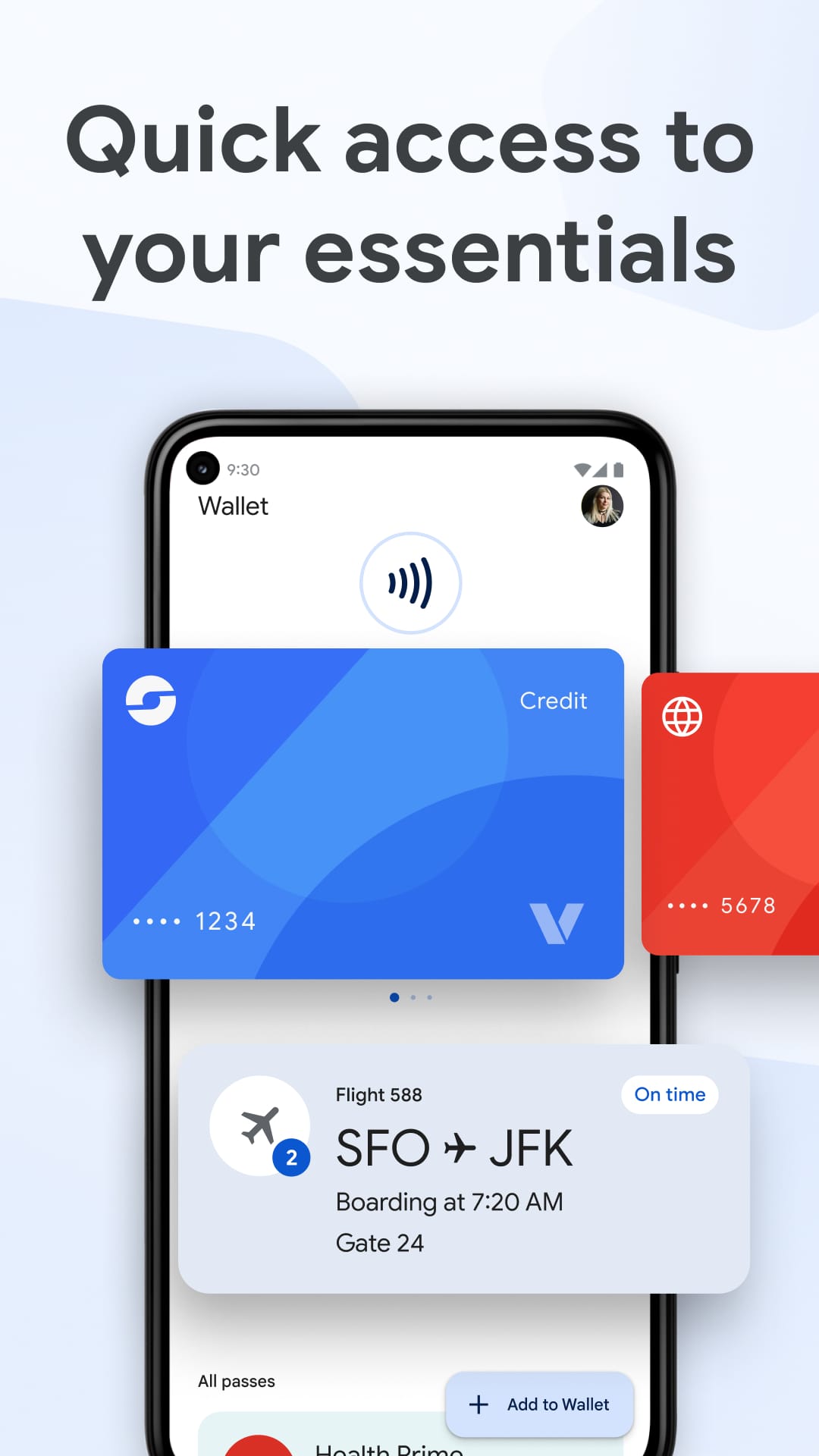
Google Wallet serves as a digital payment platform and e-commerce solution engineered by Google to facilitate transactions across various channels, including in-app, online, and physical stores. This service enables users to securely store their payment details, such as credit and debit cards, alongside loyalty programs and event tickets, all in one place. By streamlining the payment process on numerous platforms and applications, Google Wallet offers a quicker and more secure method for handling transactions, eliminating the need to carry a physical wallet.
The Unique Aspects of Google Wallet
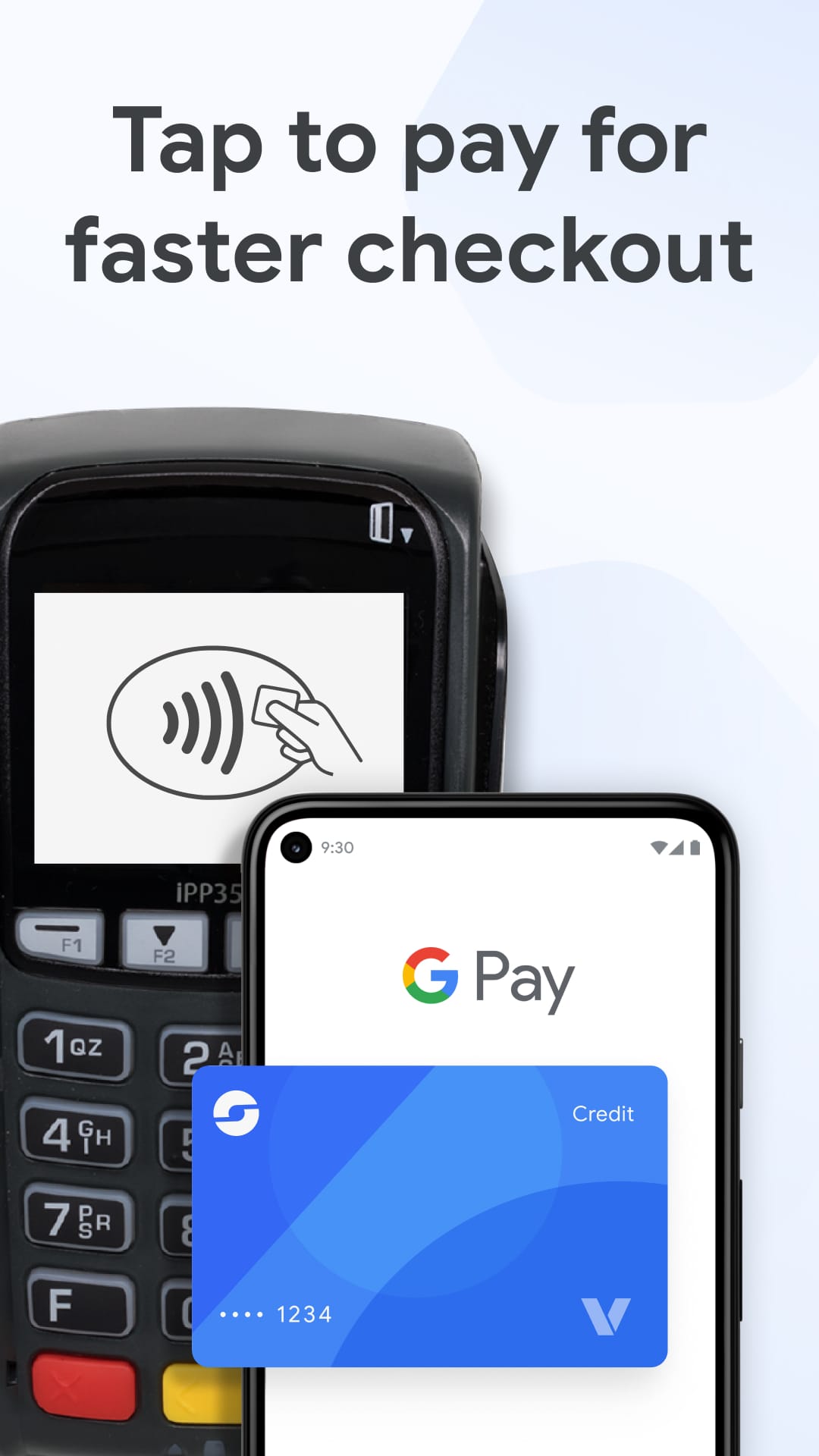
Google Wallet distinguishes itself in the competitive landscape of digital payment platforms through its smooth interoperability with various Google services and cutting-edge security measures. While numerous payment applications rely on traditional methods, Google Wallet employs Near-Field Communication (NFC) for touchless transactions, complemented by a comprehensive security architecture that safeguards user data through encryption. Its widespread availability on Android devices ensures unparalleled convenience for a global user base. Among its standout features are rapid and secure mobile transactions, peer-to-peer money transfers, and the consolidation of loyalty programs, gift cards, and event tickets into a single, easily accessible location. Additionally, the app facilitates contactless payments at any terminal equipped to handle such transactions. Users can enjoy instant updates on their financial activities and effortlessly review their transaction history to monitor and manage their expenditures effectively.
Mastering Financial Management with This App
Google Wallet simplifies the process of handling personal finances. Once the application is installed and payment methods are registered, users can establish spending limits and benefit from automatic categorization of transactions. Each payment is accompanied by a comprehensive receipt, offering clear insights into expenditure patterns. The app also allows for the creation of notifications for significant transactions or when funds are low, and it facilitates the division of bills among multiple parties, thus streamlining the management of shared costs. Additionally, Google Wallet contributes to savings through various features. By storing digital versions of loyalty cards and coupons, it ensures users always capitalize on available discounts. Its integration with Google offers can notify users of potential savings based on their shopping preferences and frequented stores. Furthermore, by monitoring expenditures across different accounts and providing a graphical representation of spending, Google Wallet assists users in controlling their finances and eliminating superfluous costs.
A Comparative Analysis of Google Wallet and Apple Pay: Advantages and Disadvantages
Google Wallet stands out from competitors like Apple Pay due to its extensive compatibility with various devices and online platforms, largely attributed to its seamless integration with the Android ecosystem and broad acceptance at NFC-enabled payment terminals. However, it may not offer the same level of user experience for iOS users, where Apple Pay excels in providing a more cohesive and integrated experience. One drawback of Google Wallet is its requirement for constant internet access, which can be problematic in regions with weak network coverage, unlike Apple Pay, which supports offline transactions.
The Case for Adopting Google Wallet
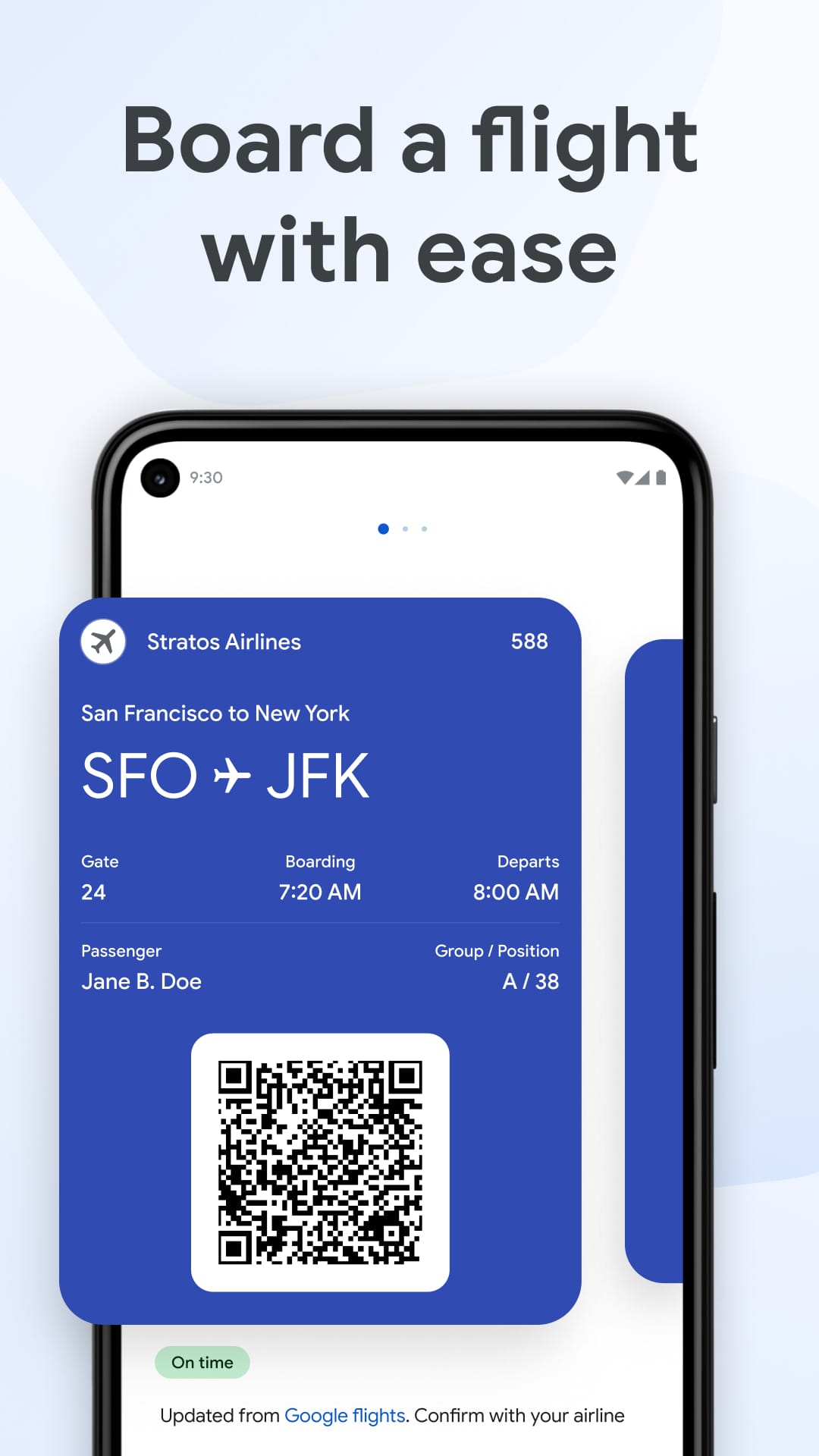
Opting for Google Wallet as your primary digital payment solution provides numerous advantages, including expedited checkout processes, heightened security for transactions, and seamless integration with a variety of Google services and promotions. For individuals deeply embedded in the Google ecosystem or those in search of a multifunctional digital wallet that extends beyond mere payment capabilities, Google Wallet presents an attractive option. Its capacity to manage diverse digital assets, ranging from travel documents to loyalty programs, streamlines daily activities and boosts overall efficiency.
Recent Enhancements and Features
Google Wallet's Latest Update: Elevating Digital Payments with Enhanced Security and Features
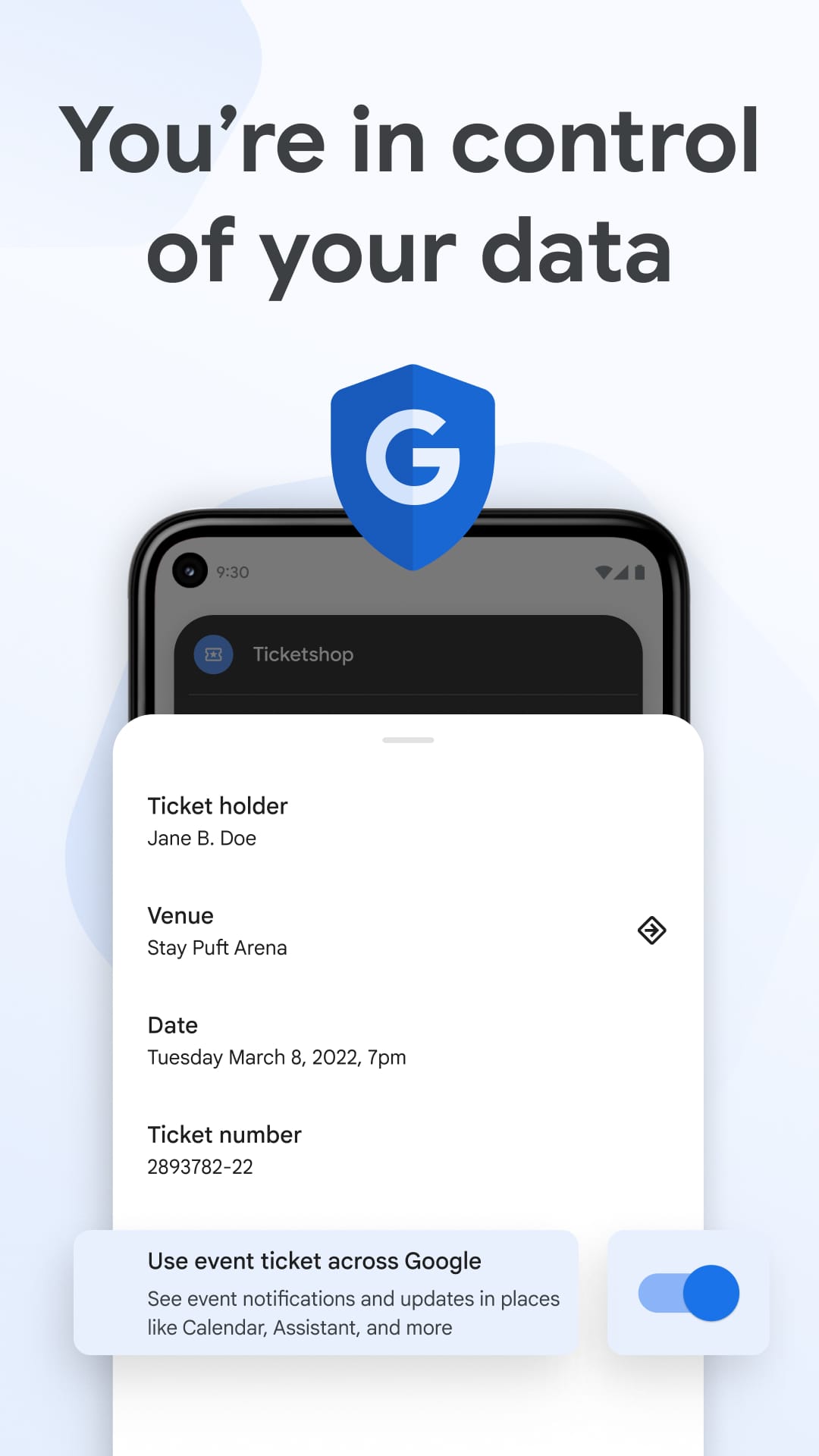
Google Wallet has unveiled a new version packed with additional user-centric features designed to improve the overall experience. A key focus of this update is the bolstered transaction security, which incorporates advanced encryption and enhanced authentication methods to safeguard user information. Furthermore, the update broadens the app's compatibility with public transit systems, enabling users to conveniently add and oversee passes for various cities within the application. These enhancements solidify Google Wallet's position at the forefront of digital payment innovation, delivering a more comprehensive and secure platform for users. For those aiming to simplify their financial dealings while boosting security, Google Wallet is an ideal solution. Its seamless integration with numerous services, intuitive interface, and strong security protocols make it a top pick for mobile payment requirements. Whether you're completing in-store transactions, handling tickets, or transferring funds to others, Google Wallet streamlines these tasks into a single dependable application. Consider giving Google Wallet a try – it could revolutionize your approach to digital spending and money management.
Collpase
Download
Previous APK Versions
ZIP files containing Android App Bundles require a Split APKs Installer (e.g., SAI) from Google Play to install. Steps: 1.Download SAI from Google Play;2.Open SAI and tap "Install APKs";3.Locate and select your downloaded ZIP file;4.Grant the "Install Unknown Apps" permission if prompted;5.Wait for the process to complete.
V2.199.553864662
APK
Package Name
com.google.android.apps.walletnfcrel
Version Name
V2.199.553864662
Version Code
930688803
File Size
9.62 MB
Update time
2023-01-01
You Might Like
  • 01
    How do I install this app after downloading it?

    If you're an Android user and don't download the app from the official Google Play Store,you may find the installation process more complicated than usual.

    But we are delighted to inform you that you don't need to worry. To ensure you could install this app smoothly,we have written and uploaded a detailed tutorial. It would guide you on installing an app after downloading it from our website step by step,with the help of pictures.

    You may find this helpful article on the downloading site,or visit How to install APK/XAPK files on Android.

    If you need further help,please do not hesitate to contact us via email [email protected].

  • 02
    Is this app safe to use?

    We fully understand your concern about safety. We agree that one person wouldn't be too careful in the cyber world. Meanwhile,we are happy to tell you that one of our priorities is to provide our users with safe app files that they can use without any worries.

    We guarantee that all the app files we provided originate from official and reliable sources. We promise that they do not contain any malware that will harm your hardware or the safety of your privacy.

  • 03
    Is this app free to download?

    We are happy to inform you that the answer is an absolute YES! All the apps on our website are 100% free to download. Besides,you do not have to create an account. Just click on the download button,and it's done.

  • 04
    How do I find my account back?

    Recently we received a lot of emails from our users,which said they couldn't log in for different reasons,such as 'forgot the user name or password' or 'had a new phone.' We are willing to help you out. Please read the notes below to see what we can do.

    To answer this question,please first let us know which account you're referring to.

    If you're referring to your account of some app,like your Facebook account or your Youtube account. Unfortunately,we would not be able to help in this case. We would suggest you turn to the customer service of this application.

  • 05
    How do I cancel subscriptions?

    This question is essentially quite similar to the prior one. It's a pity that we are unable to help you to cancel the subscription to a third-party application directly,while we would suggest you to contact its customer service for further information.

  • 06
    How do I get a refund?

    Sorry that we are unable to help you to get a refund from a third-party application directly. If you wish to get a refund from a third-party app,we would suggest you to contact its customer service. We would be happy to provide you the way to contact them.

    If you want a refund from us,we should apologize for your confusion. Our service is 100% free,and any payment information is not required.

    If you run into any site that asks you to provide your payment information,be careful. Remember never reveal your payment information to any unauthorized third parties,no matter how attempting their offer may seem.

  • 07
    How to use this app?

    Sorry that we cannot answer this question directly,for this only aims to answer some general questions. You may find how to use a certain app by checking our review page.