
Open Menu
Home
Apps
Games
Articles
Additional Information
Category
Tools
Version
V3.83.552414891.release
Tag
apps | google | smartphones
Rate
4.3
Reviews
23269
Installs
1,000,000,000+
Developer
Google LLC
Content Rating
Everyone
Everything you need in one app
About This App
  • Package Name

    com.google.android.apps.searchlite

  • Version Name

    V3.83.552414891.release

  • Version Code

    819151

  • File Size

    25.0 MB

  • System

    Android 9.0+ (P, API 28)

  • Update time

    2023-01-01

Screenshots
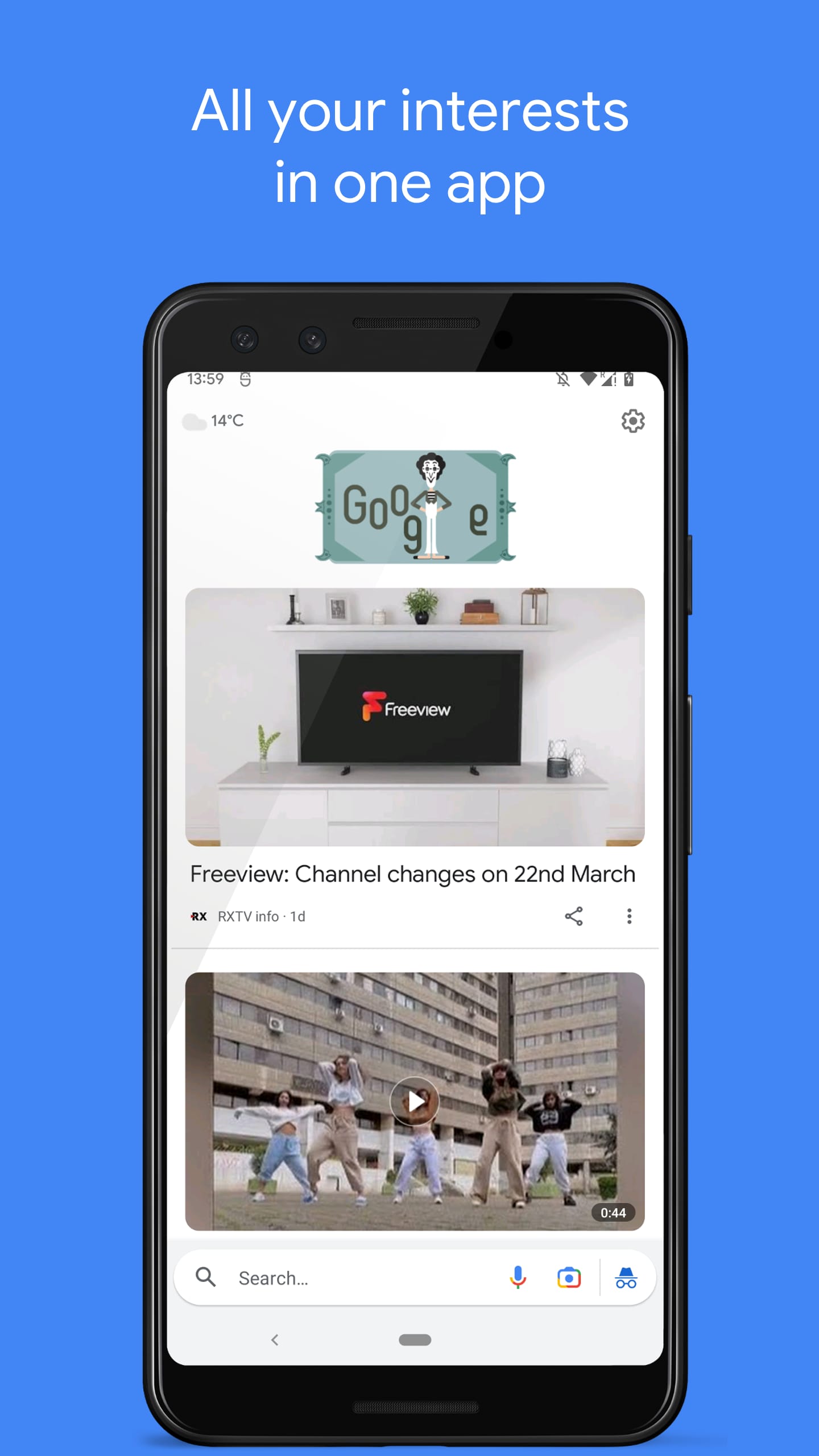
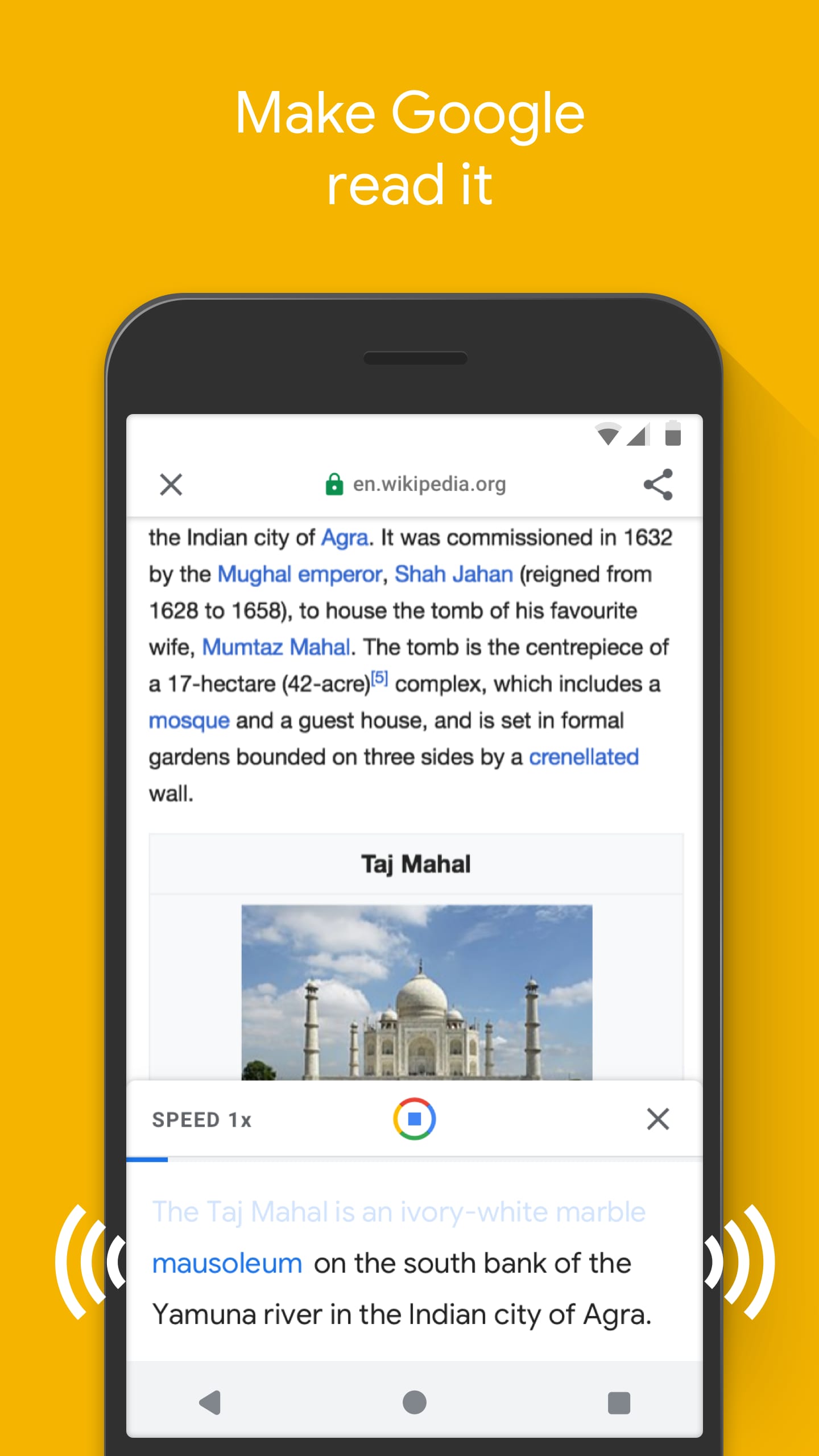
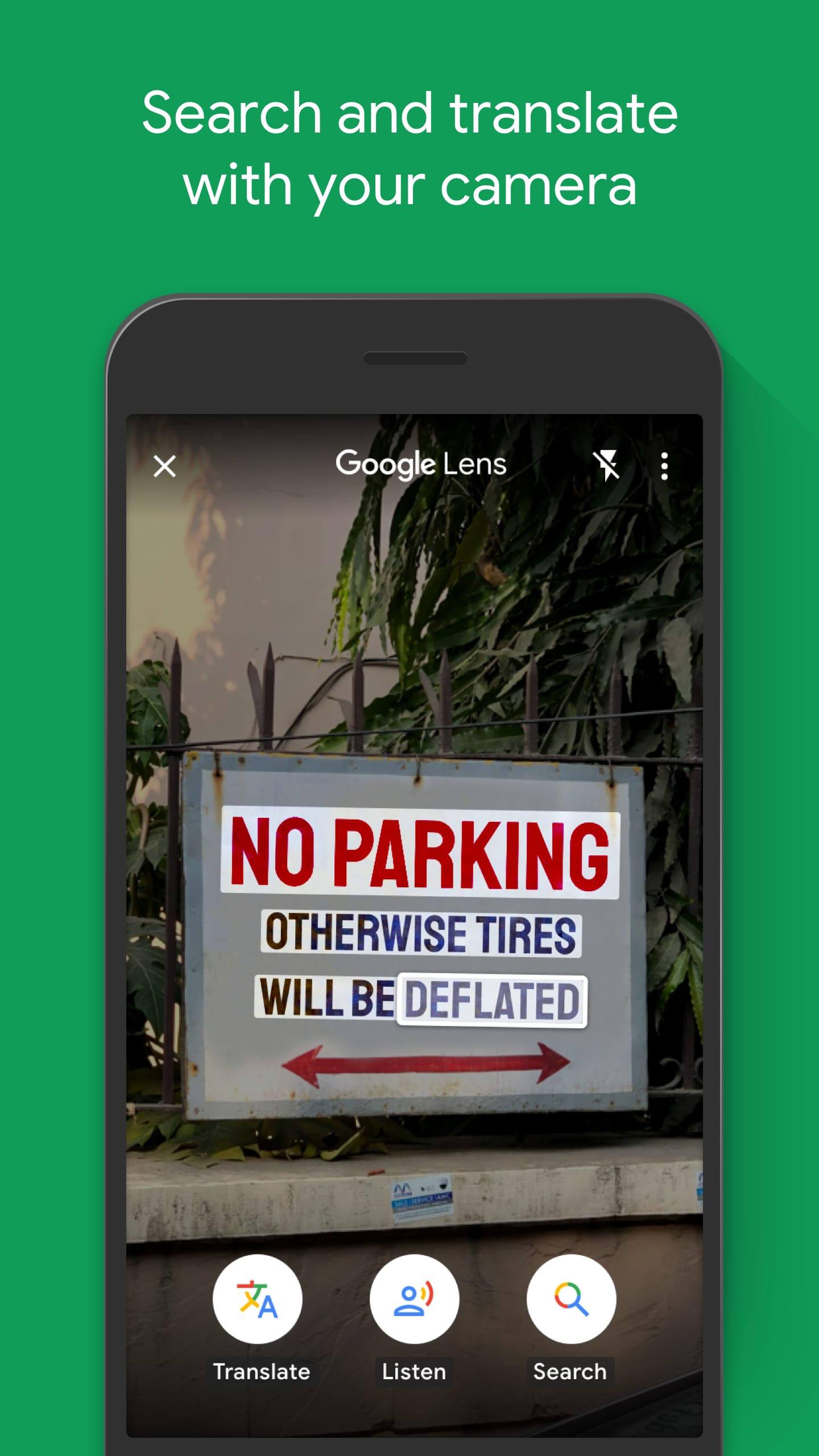
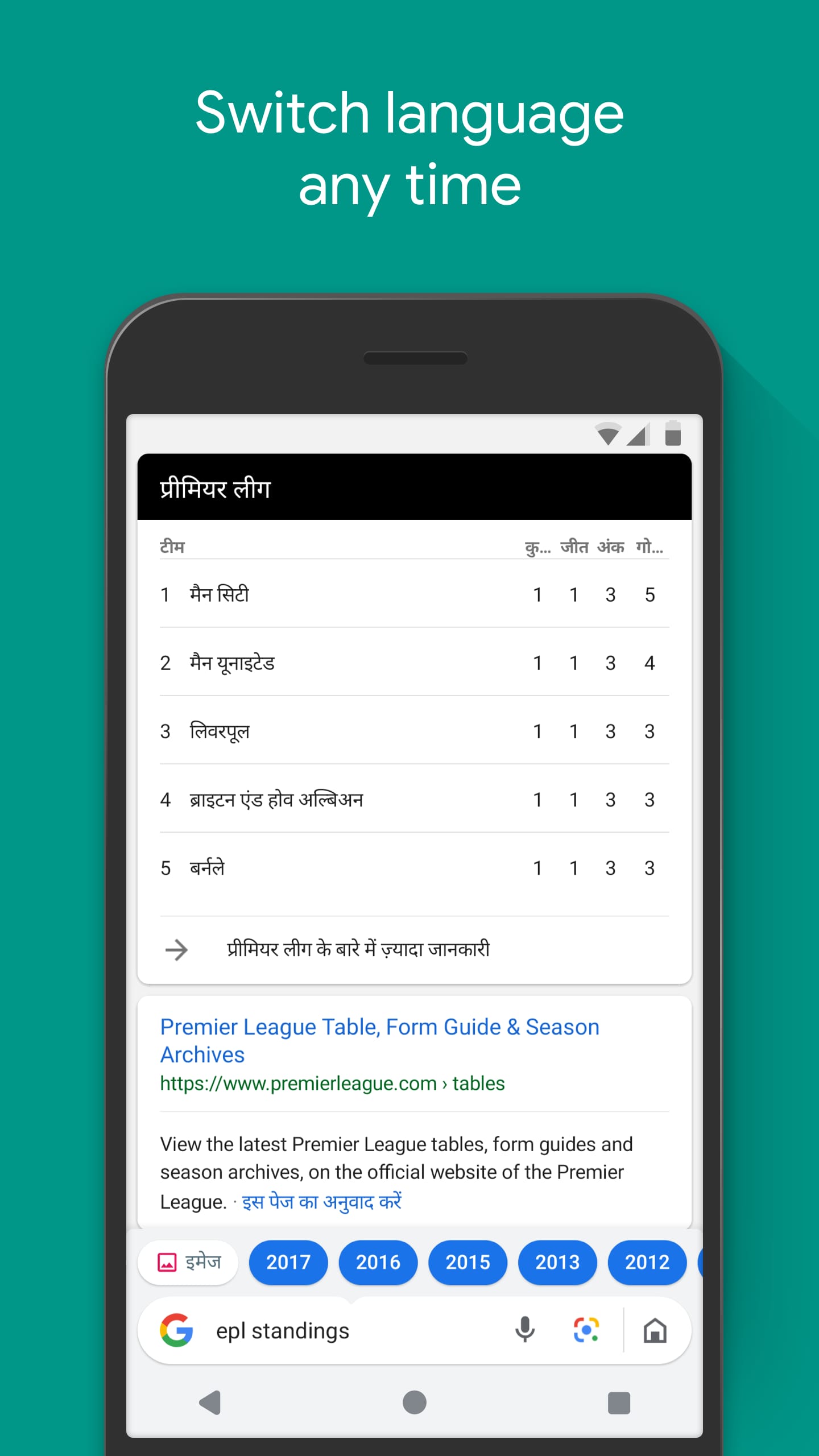
screenshot screenshot screenshot screenshot
Author's Review
Apkseeker Review
Are you frustrated with a slow smartphone or daunted by a search application packed with unnecessary features? Introducing Google Go, a streamlined solution crafted to enhance your online experience. This application is particularly beneficial for individuals using older devices or those with restricted data plans. By concentrating on essential search capabilities and reducing data consumption, Google Go enables you to browse the internet swiftly and effectively, even on less capable hardware. Envision a search tool engineered for speed. Google Go emphasizes rapid loading times and employs data compression to minimize your mobile data consumption. This is especially advantageous in areas with poor connectivity or for those on limited data plans. With Google Go, you can effortlessly search the web, locate the information you require, and remain connected without concern for exhausting your data allowance or overburdening your device's resources.
Discovering the Capabilities of Google Go
Despite its focus on speed and efficiency, Google Go remains a robust tool with a variety of features that significantly enhance web browsing. Here are some standout functionalities: First, the Intelligent Search function allows users to input their queries and receive relevant suggestions or direct answers, eliminating the need for extensive browsing or sifting through multiple pages. This ensures quick and precise access to the information you seek. Second, the app offers a Basic Offline Mode, which supports limited access to previously viewed search results and websites without an internet connection. This is particularly useful in areas with unstable connectivity. Lastly, the Save for Later feature enables users to bookmark articles for offline reading, providing a convenient way to store and access content at a later time, especially when an internet connection is unavailable.
Introduction to Google Go
Using Google Go is incredibly straightforward and accessible on the majority of mobile devices at no cost. Upon installation, the application offers a tidy and intuitive layout. Input your search term into the designated field and press enter to initiate the search. Google Go is engineered for rapid performance and effectiveness, ensuring swift result delivery even on devices with limited processing power or unstable internet connections.
Google Go versus Google Search: Choosing the Ideal Option
Google Go and the standard Google Search application both provide web search capabilities, yet they are designed to meet distinct user requirements. Firstly, Google Go excels in speed and efficiency, making it an excellent option for users with older devices or limited internet connectivity. Its streamlined architecture ensures minimal resource consumption, and it includes some offline search capabilities. However, the application has its limitations. Compared to the full-featured Google Search app, Google Go offers fewer functionalities. Its offline capabilities are more restricted, and the range of customization options is somewhat limited. Ultimately, if your priority is a swift and efficient search tool that conserves your device's resources and data usage, Google Go is a strong contender. It is well-suited for routine web browsing and quick access to basic information. On the other hand, if you require advanced search filters, comprehensive news updates, or rich multimedia content, the standard Google Search app may better meet your needs.
An Overview of Google Go: Features and Future Prospects
Google Go is continually advancing to optimize user interaction. Recent improvements have concentrated on boosting voice search functions and refining image identification within search results. In the future, we anticipate the expansion of offline capabilities, which may enable users to store more data for offline use. Furthermore, Google Go could incorporate features such as customized search recommendations or seamless integration with other Google Lite applications to deliver a more cohesive mobile experience.
Enhancing Your Online Journey with Google Go
Enhancing Web Navigation with Google Go: A Lightweight and Efficient Solution
In the current era where data is paramount, having a streamlined web browsing experience is crucial. Google Go emerges as an ideal choice for individuals using older smartphones or those with restricted data plans. This application emphasizes rapid performance, efficient data usage, and essential search capabilities, enabling swift and smooth navigation across the internet, even on devices with limited processing power. Although it may not boast all the advanced features of the standard Google Search app, Google Go excels in delivering the most critical aspect – quick access to information without exhausting your device's resources. For those in search of a compact and economical method to browse the web, Google Go is certainly worth considering.
Collpase
Download
Previous APK Versions
ZIP files containing Android App Bundles require a Split APKs Installer (e.g., SAI) from Google Play to install. Steps: 1.Download SAI from Google Play;2.Open SAI and tap "Install APKs";3.Locate and select your downloaded ZIP file;4.Grant the "Install Unknown Apps" permission if prompted;5.Wait for the process to complete.
V3.83.552414891.release
APK
Package Name
com.google.android.apps.searchlite
Version Name
V3.83.552414891.release
Version Code
819151
File Size
25.0 MB
Update time
2023-01-01
You Might Like
  • 01
    How do I install this app after downloading it?

    If you're an Android user and don't download the app from the official Google Play Store,you may find the installation process more complicated than usual.

    But we are delighted to inform you that you don't need to worry. To ensure you could install this app smoothly,we have written and uploaded a detailed tutorial. It would guide you on installing an app after downloading it from our website step by step,with the help of pictures.

    You may find this helpful article on the downloading site,or visit How to install APK/XAPK files on Android.

    If you need further help,please do not hesitate to contact us via email [email protected].

  • 02
    Is this app safe to use?

    We fully understand your concern about safety. We agree that one person wouldn't be too careful in the cyber world. Meanwhile,we are happy to tell you that one of our priorities is to provide our users with safe app files that they can use without any worries.

    We guarantee that all the app files we provided originate from official and reliable sources. We promise that they do not contain any malware that will harm your hardware or the safety of your privacy.

  • 03
    Is this app free to download?

    We are happy to inform you that the answer is an absolute YES! All the apps on our website are 100% free to download. Besides,you do not have to create an account. Just click on the download button,and it's done.

  • 04
    How do I find my account back?

    Recently we received a lot of emails from our users,which said they couldn't log in for different reasons,such as 'forgot the user name or password' or 'had a new phone.' We are willing to help you out. Please read the notes below to see what we can do.

    To answer this question,please first let us know which account you're referring to.

    If you're referring to your account of some app,like your Facebook account or your Youtube account. Unfortunately,we would not be able to help in this case. We would suggest you turn to the customer service of this application.

  • 05
    How do I cancel subscriptions?

    This question is essentially quite similar to the prior one. It's a pity that we are unable to help you to cancel the subscription to a third-party application directly,while we would suggest you to contact its customer service for further information.

  • 06
    How do I get a refund?

    Sorry that we are unable to help you to get a refund from a third-party application directly. If you wish to get a refund from a third-party app,we would suggest you to contact its customer service. We would be happy to provide you the way to contact them.

    If you want a refund from us,we should apologize for your confusion. Our service is 100% free,and any payment information is not required.

    If you run into any site that asks you to provide your payment information,be careful. Remember never reveal your payment information to any unauthorized third parties,no matter how attempting their offer may seem.

  • 07
    How to use this app?

    Sorry that we cannot answer this question directly,for this only aims to answer some general questions. You may find how to use a certain app by checking our review page.