

 APK
APK Google Play
 iOS
iOS 4.30
4.30About This App
-
Package Name
com.fixdapp.two
-
Version Name
V24.19
-
Version Code
202406030
-
File Size
31.34 MB
-
System
Android 10.0+ (Quince Tart, API 29)
-
Update time
2023-01-01
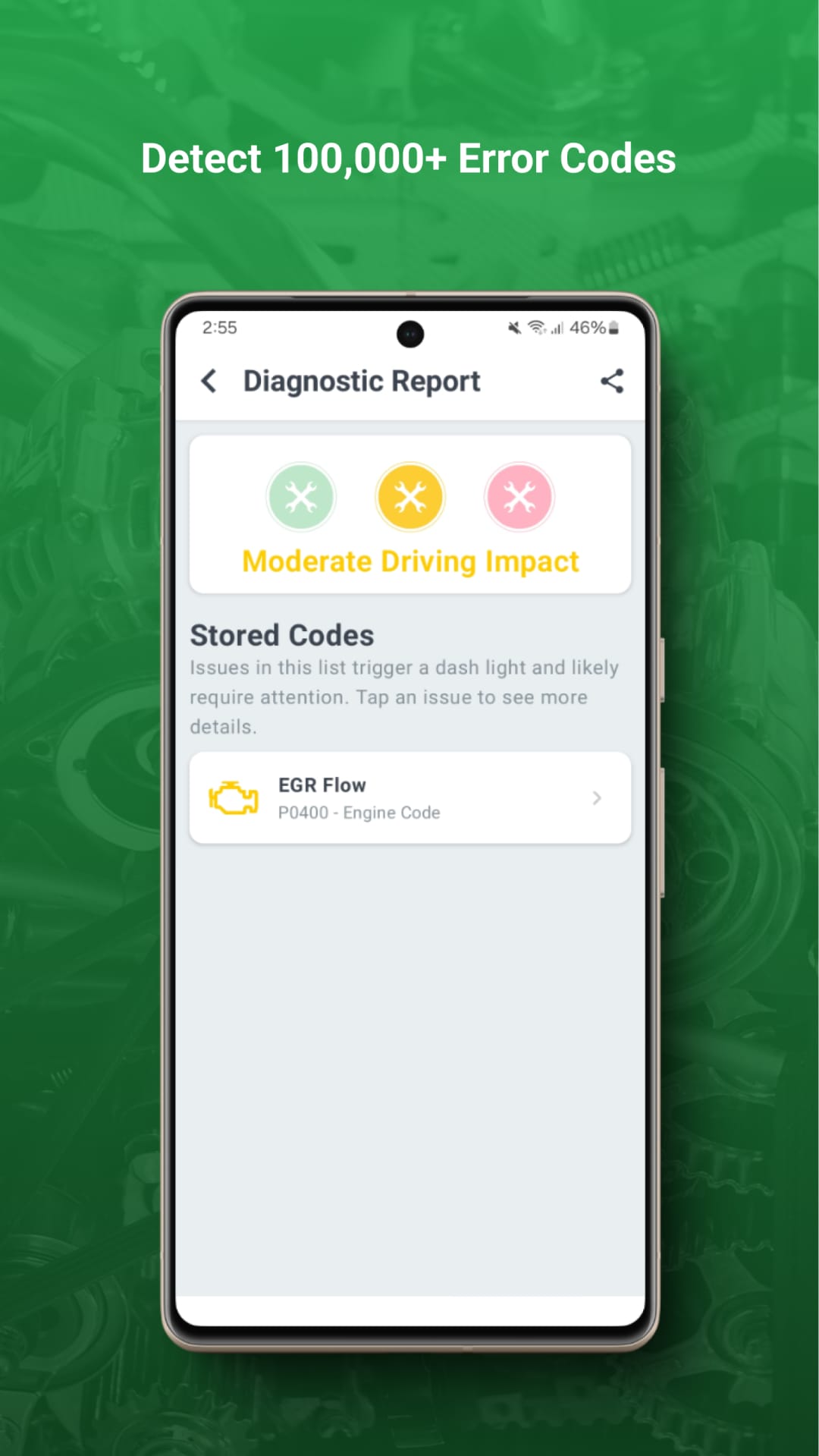
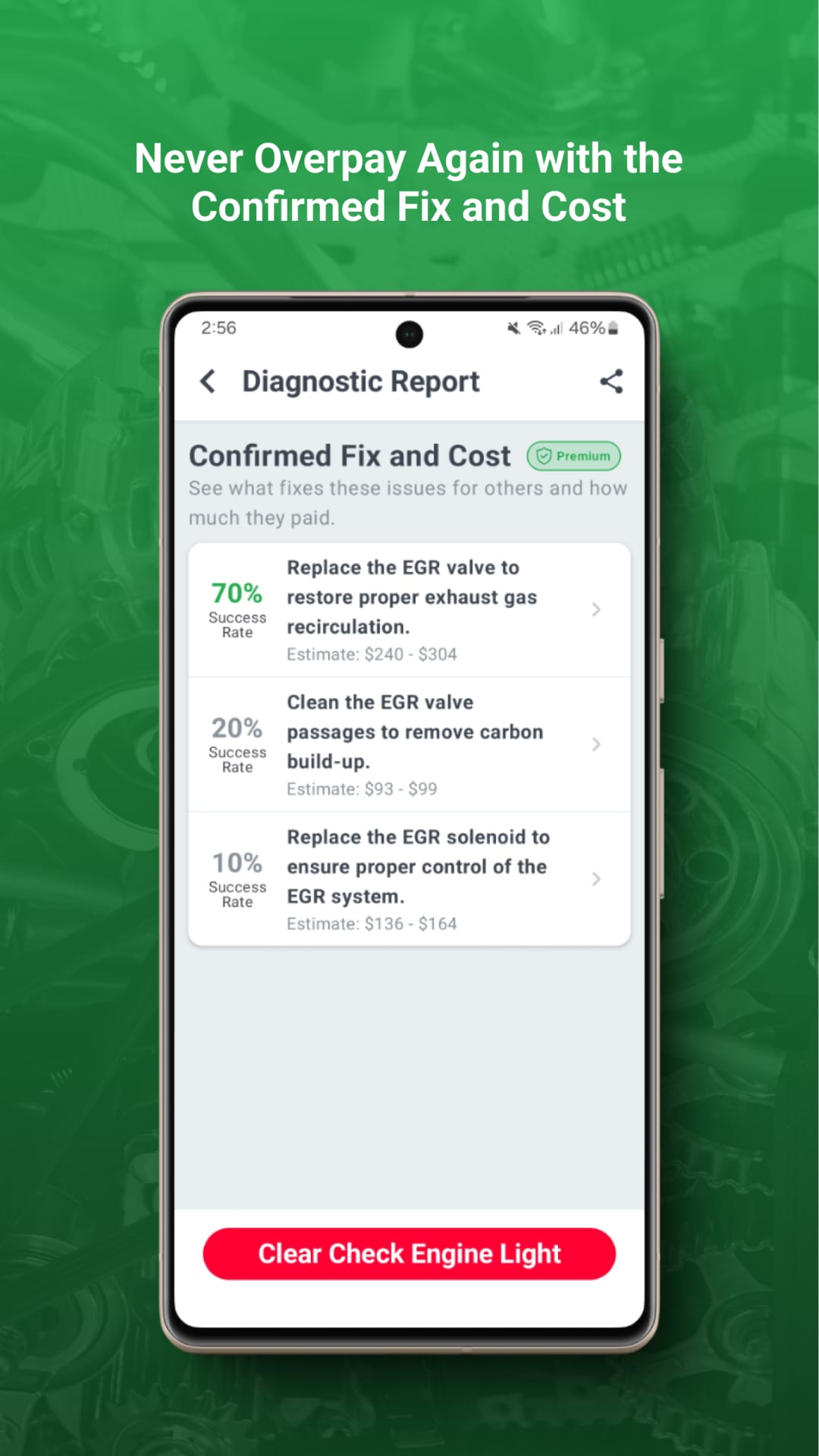
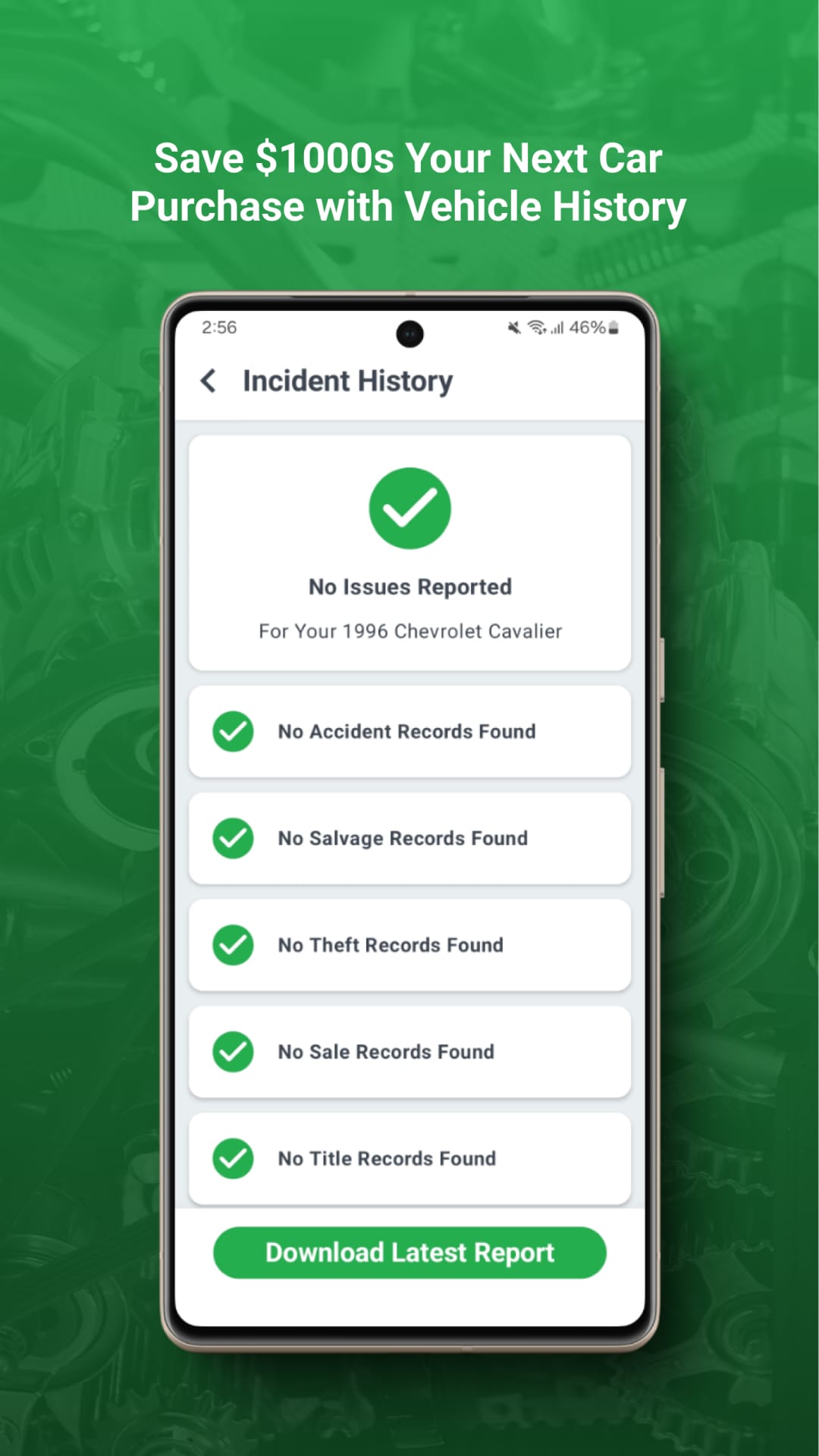
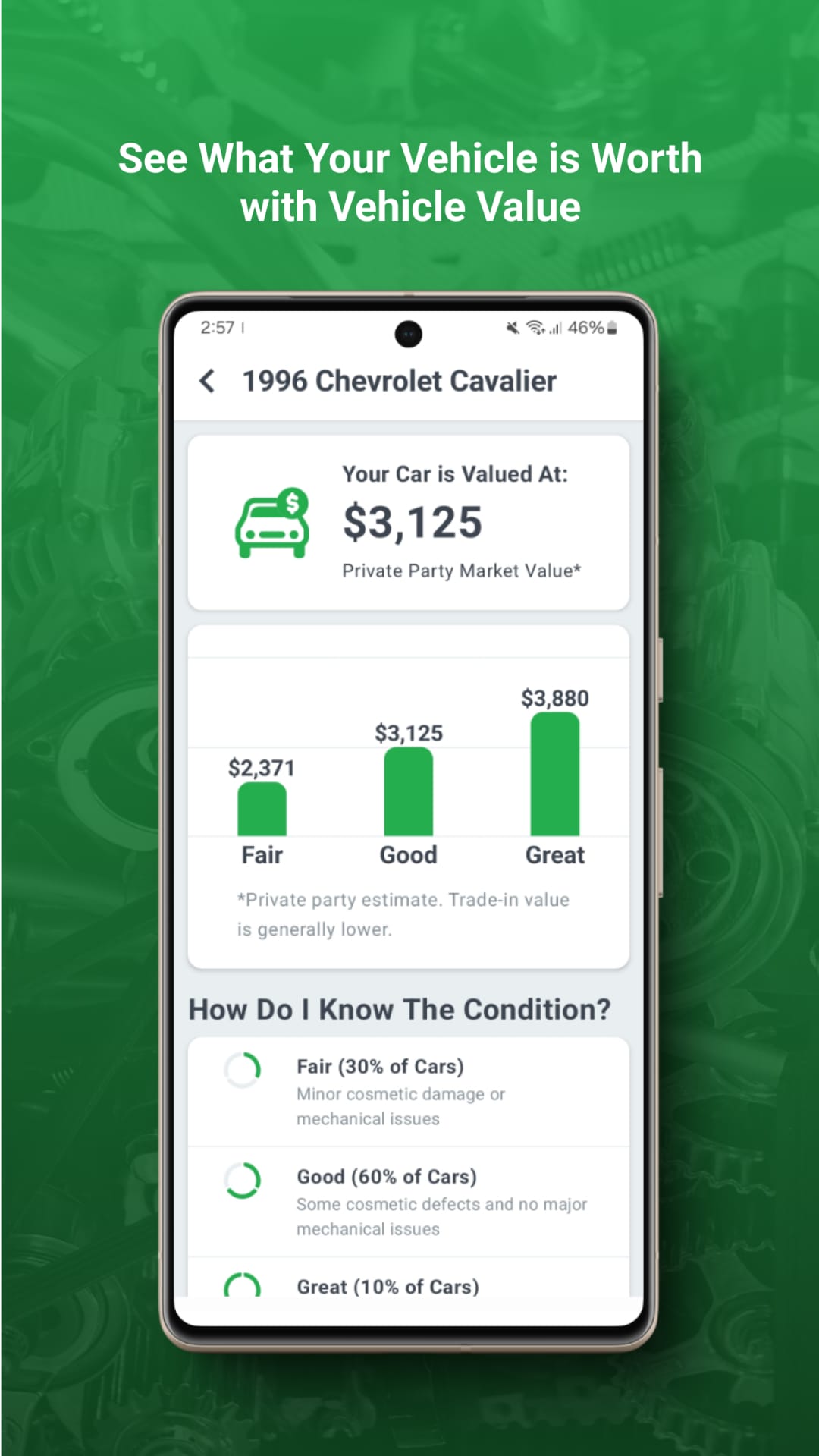
Ever heard that mysterious "check engine" light come on, sending shivers down your spine? Fear not, car enthusiasts! FIXD has your back with its innovative OBD2 scanner, transforming your smartphone into a powerful car diagnostic tool.
Your Car's Whisperer: Decoding the Mystery
The FIXD OBD2 scanner is more than just a code reader. Think of it as your car's personal translator, decoding those cryptic engine codes and turning them into clear, understandable information.
Key Features to Keep Your Car Happy
-
Real-Time Diagnostics: Get instant insights into your car's health, identifying potential issues before they become major problems.
-
Check Engine Light Decoder: No more confusion! FIXD translates those dreaded check engine light codes into plain English, explaining the underlying issue.
-
Maintenance Reminders: Stay on top of essential maintenance like oil changes and tire rotations with timely reminders.
-
Trip History and Fuel Tracking: Monitor your driving habits, track fuel efficiency, and optimize your car's performance.
Beyond the Basics: Exploring Additional Functions
-
DIY Repair Guides: Access step-by-step instructions for common car repairs, empowering you to tackle minor fixes yourself.
-
Community Support: Connect with fellow FIXD users, share experiences, and get advice from a supportive car community.
-
Emissions Testing Readiness: Ensure your car is ready for emissions testing with convenient checks.
Who Should Keep FIXD in Their Toolbox?
This handy tool is ideal for:
-
DIY Car Enthusiasts: Take control of your car's health, diagnose minor issues, and save money on unnecessary mechanic visits.
-
Safety-Conscious Drivers: Stay informed about potential problems to ensure safe and reliable driving.
-
Budget-Minded Individuals: Prevent major repairs with early detection of issues, saving you time and money in the long run.
Examples of How FIXD Makes Car Care Easier
-
Diagnose that Check Engine Light: No more guessing! FIXD pinpoints the exact issue, allowing you to make informed decisions about repairs.
-
Track Maintenance Like a Pro: Receive timely reminders for oil changes, tire rotations, and other essential maintenance, keeping your car in top shape.
-
Save Money on Mechanic Visits: Fix minor issues yourself with the help of DIY repair guides, avoiding unnecessary trips to the mechanic.
Pros & Cons Compared to Similar Apps
Pros:
-
User-Friendly Interface: The app is intuitive and easy to navigate, making car diagnostics accessible to everyone.
-
Comprehensive Features: Offers a wider range of functionalities than basic code readers, including maintenance reminders, DIY guides, and community support.
-
Affordable Price Point: Compared to professional diagnostic tools, FIXD provides excellent value for its features.
Cons:
-
Requires Additional Hardware: You need to purchase the FIXD OBD2 scanner separately to use the app.
-
Limited Repair Capabilities: While it helps diagnose issues, FIXD may not be suitable for complex repairs requiring professional expertise.
-
Data Privacy Concerns: Like any connected car system, data privacy considerations should be taken into account.
Frequently Asked Questions:
-
What cars are compatible with FIXD? FIXD works with most gasoline-powered vehicles manufactured after 1996.
-
Is the app free? The app is free to download, but some features require a paid subscription.
-
Is my data secure? FIXD prioritizes data security and adheres to industry-standard privacy regulations.
Your Car's Guardian Angel
The FIXD OBD2 scanner is more than just a code reader; it's your car's guardian angel. By providing real-time diagnostics, maintenance reminders, and DIY repair resources, it empowers you to take control of your car's health, save money, and drive with confidence. So, ditch the mechanic panic and download the FIXD app today – your car will thank you!

 APK
APK









-
01How do I install this app after downloading it?
If you're an Android user and don't download the app from the official Google Play Store,you may find the installation process more complicated than usual.
But we are delighted to inform you that you don't need to worry. To ensure you could install this app smoothly,we have written and uploaded a detailed tutorial. It would guide you on installing an app after downloading it from our website step by step,with the help of pictures.
You may find this helpful article on the downloading site,or visit How to install APK/XAPK files on Android.
If you need further help,please do not hesitate to contact us via email [email protected].
-
02Is this app safe to use?
We fully understand your concern about safety. We agree that one person wouldn't be too careful in the cyber world. Meanwhile,we are happy to tell you that one of our priorities is to provide our users with safe app files that they can use without any worries.
We guarantee that all the app files we provided originate from official and reliable sources. We promise that they do not contain any malware that will harm your hardware or the safety of your privacy.
-
03Is this app free to download?
We are happy to inform you that the answer is an absolute YES! All the apps on our website are 100% free to download. Besides,you do not have to create an account. Just click on the download button,and it's done.
-
04How do I find my account back?
Recently we received a lot of emails from our users,which said they couldn't log in for different reasons,such as 'forgot the user name or password' or 'had a new phone.' We are willing to help you out. Please read the notes below to see what we can do.
To answer this question,please first let us know which account you're referring to.
If you're referring to your account of some app,like your Facebook account or your Youtube account. Unfortunately,we would not be able to help in this case. We would suggest you turn to the customer service of this application.
-
05How do I cancel subscriptions?
This question is essentially quite similar to the prior one. It's a pity that we are unable to help you to cancel the subscription to a third-party application directly,while we would suggest you to contact its customer service for further information.
-
06How do I get a refund?
Sorry that we are unable to help you to get a refund from a third-party application directly. If you wish to get a refund from a third-party app,we would suggest you to contact its customer service. We would be happy to provide you the way to contact them.
If you want a refund from us,we should apologize for your confusion. Our service is 100% free,and any payment information is not required.
If you run into any site that asks you to provide your payment information,be careful. Remember never reveal your payment information to any unauthorized third parties,no matter how attempting their offer may seem.
-
07How to use this app?
Sorry that we cannot answer this question directly,for this only aims to answer some general questions. You may find how to use a certain app by checking our review page.
1. appsresort.com does not represent any developer, nor is it the developer of any App or game.
2. appsresort.com provide custom reviews of Apps written by our own reviewers, and detailed information of these Apps, such as developer contacts, ratings and screenshots.
3. All trademarks, registered trademarks, product names and company names or logos appearing on the site are the property of their respective owners.
4. appsresort.com abides by the federal Digital Millennium Copyright Act (DMCA) by responding to notices of alleged infringement that complies with the DMCA and other applicable laws.
5.If you are the owner or copyright representative and want to delete your information, please contact us info@ appsresort.com .
6.All the information on this website is strictly observed all the terms and conditions of Google Ads Advertising policies and Google Unwanted Software policy.
7. appsresort.com is an independent, information-only website which is 100% free to all the users.