
 APK
APK Google Play
 iOS
iOS 3.8
3.8About This App
-
Package Name
bbc.iplayer.android
-
Version Name
V5.11.0.31349
-
Version Code
500031349
-
File Size
36.29 MB
-
System
Android 5.0+ (Lollipop, API 21)
-
Update time
4/5/2024, 12:00:00 AM
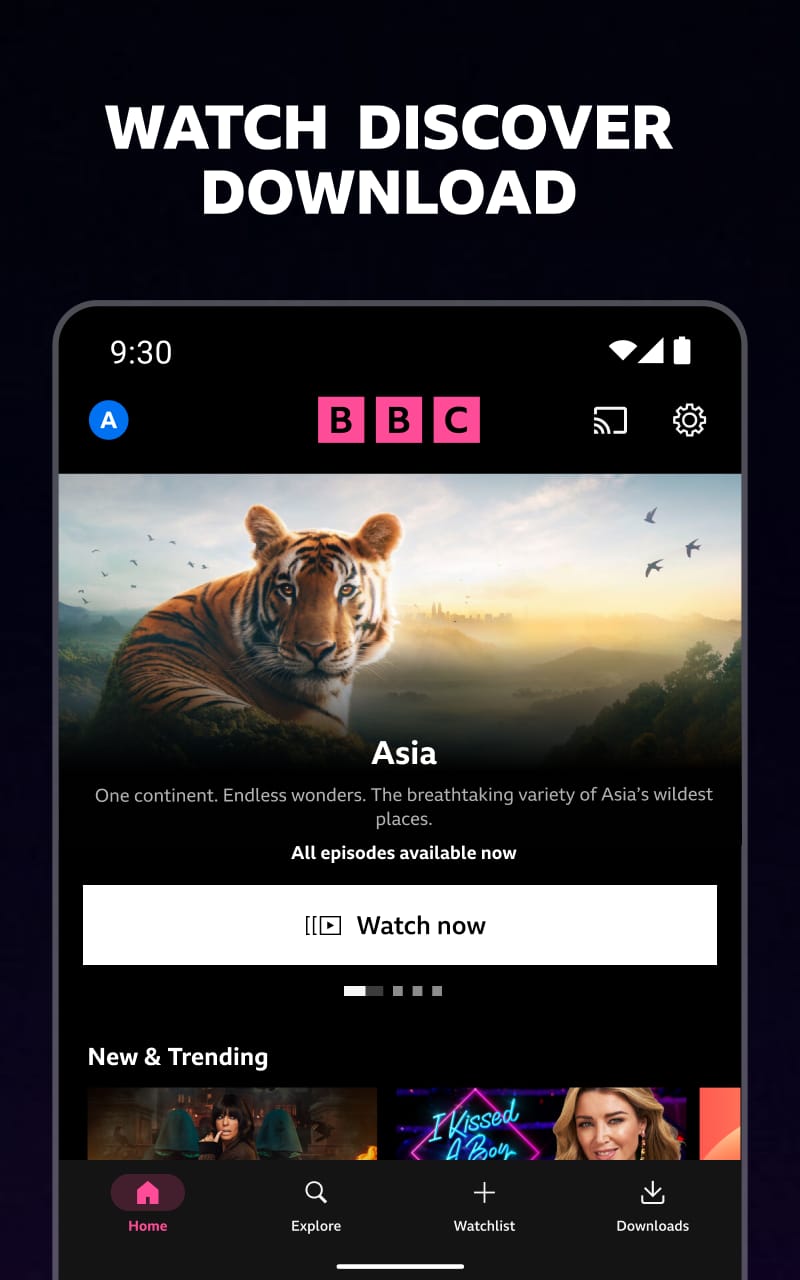
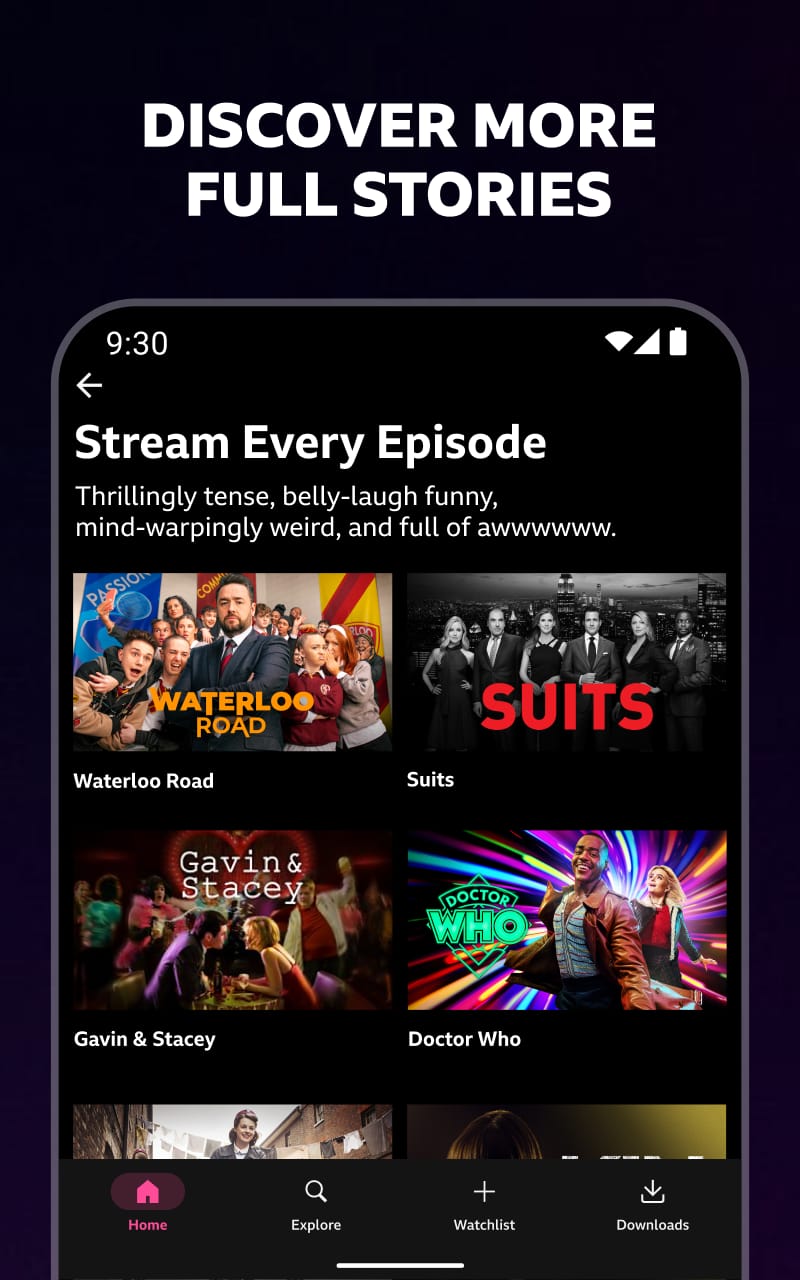
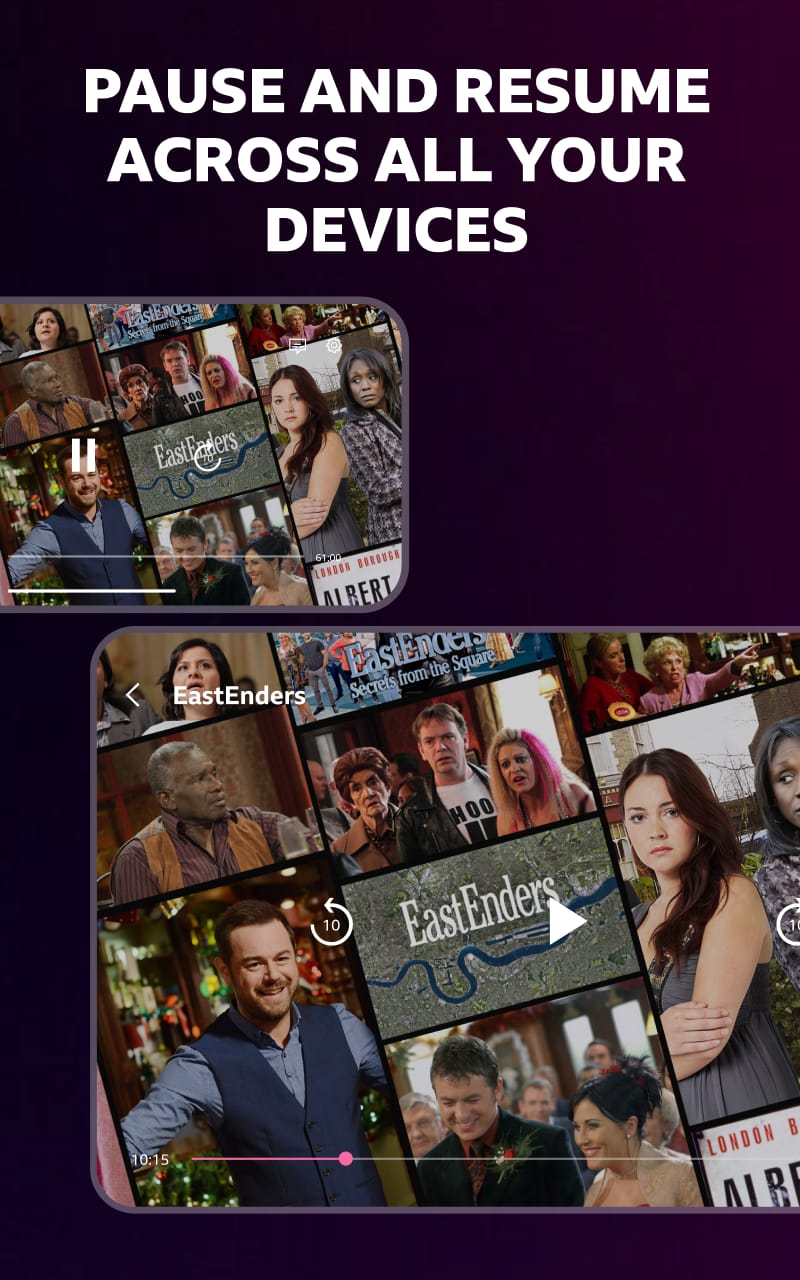
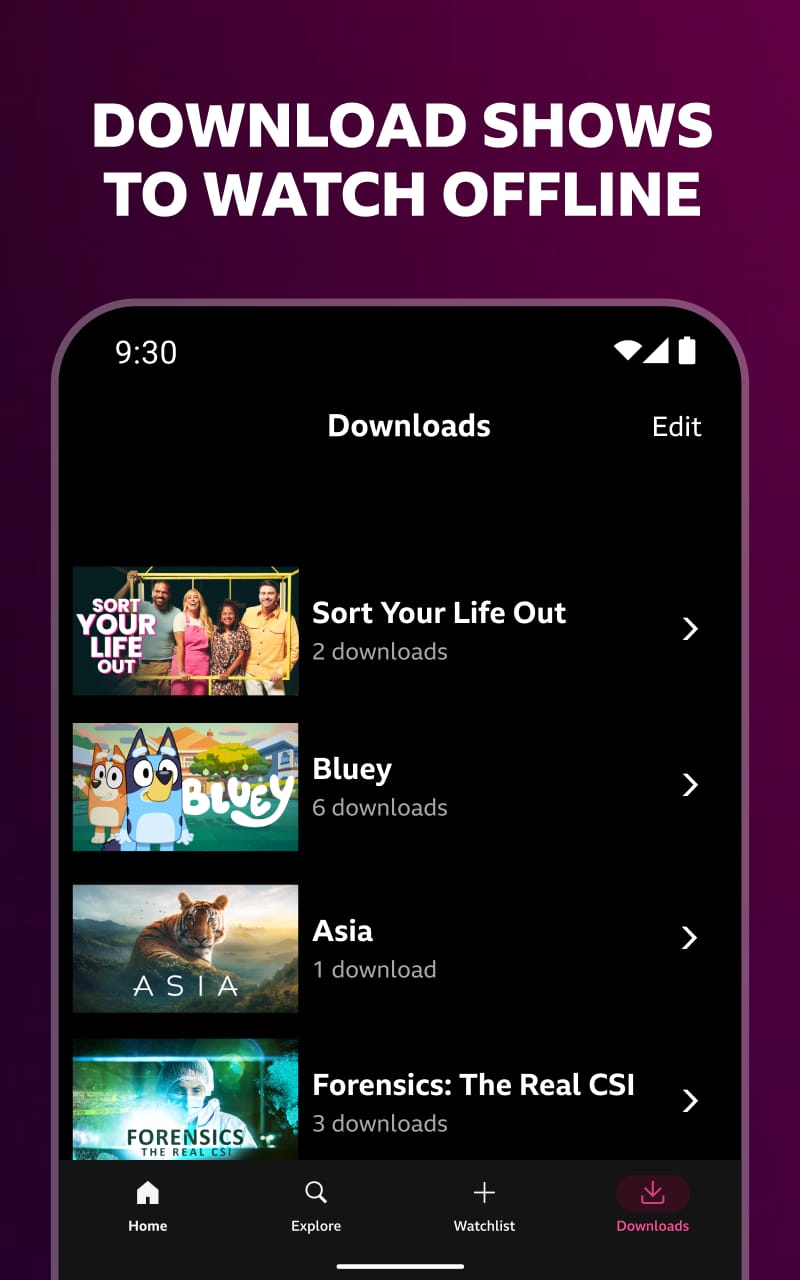
Bin the boring commutes and ditch the scheduling stress! BBC iPlayer is your one-stop shop for top-notch telly, available anytime, anywhere. Forget the days of scrambling to catch the live broadcast or relying on dodgy streaming sites. This free app from the BBC serves up a smorgasbord of shows and movies, from the latest gripping dramas to timeless classics that never go out of style.
Streamlined App & Personalised Recommendations
Navigating BBC iPlayer is a doddle. The app boasts a clean and intuitive interface, making it easy to find what you're looking for in a flash. Browse by genre, search for specific shows, or delve into curated collections – the choice is yours. Plus, the app cleverly learns your viewing habits and suggests shows you might enjoy, ensuring you never run out of something to watch.
Dive into Boxsets & Exclusive Content
BBC iPlayer goes way beyond simply catching up on shows you missed. Here's what truly sets it apart:
-
Boxset Bonanza: Fancy a deep dive into a captivating series? Dive into the extensive boxset library and binge-watch entire seasons of your favourite shows. From period dramas like Pride and Prejudice to laugh-out-loud comedies like Gavin & Stacey, there's something for every mood and taste.
-
Fresh & Exclusive Content: The BBC isn't afraid to push boundaries! The platform is a breeding ground for innovative and exclusive productions, including documentaries, dramas, and even comedy specials. Be among the first to discover the next big thing and enjoy fresh, high-quality content you won't find anywhere else.
-
Offline Viewing for the Win: Don't let unreliable internet hold you back! Many programmes on BBC iPlayer allow you to download episodes for offline viewing. This makes it perfect for downloading shows before a long journey or for watching when you know you'll have limited internet access.
Weighing the Options: BBC iPlayer vs. Paid Streaming Services
While BBC iPlayer offers a fantastic selection of free content, it's worth considering how it stacks up against paid streaming services:
-
Pros: Completely free, extensive on-demand library, original productions, curated recommendations, offline viewing option, and high-quality BBC productions.
-
Cons: Limited selection compared to some paid services, may contain ads (though usually minimal), and not all content is available for offline viewing.
What are the Brits saying? Reviews from UK users praise BBC iPlayer for its vast library of shows, both classic and new. Many appreciate the convenience of catching up on missed episodes or indulging in nostalgic favourites. While some users mention occasional technical glitches or frustration with ad breaks, the overall sentiment highlights the app's value for its free, high-quality entertainment offering.
Your Pocket-Sized Telly Awaits
Tired of limited viewing options and the hassle of traditional TV? BBC iPlayer is your gateway to a world of award-winning shows, exclusive content, and captivating documentaries – all completely free! This user-friendly app lets you stream BBC's renowned productions whenever and wherever you like, with the option to download shows for offline viewing. So, ditch the remote, embrace on-the-go entertainment, and download BBC iPlayer today! From addictive boxsets to the latest gripping dramas, BBC iPlayer has something for everyone, ensuring you'll never be bored again.

 APK
APK
APK
APK
APK
APK
APK
APK
APK
APK
APK
APK
APK
APK
APK
APK
APK
APK
APK
APK
APK
APK
APK
APK
APK
APK
APK
APK
APK
APK
APK
APK
APK
APK
APK
APK
APK
APK
APK
APK
APK
APK
APK
APK
APK
APK
APK
APK






-
01How do I install this app after downloading it?
If you're an Android user and don't download the app from the official Google Play Store,you may find the installation process more complicated than usual.
But we are delighted to inform you that you don't need to worry. To ensure you could install this app smoothly,we have written and uploaded a detailed tutorial. It would guide you on installing an app after downloading it from our website step by step,with the help of pictures.
You may find this helpful article on the downloading site,or visit How to install APK/XAPK files on Android.
If you need further help,please do not hesitate to contact us via email [email protected].
-
02Is this app safe to use?
We fully understand your concern about safety. We agree that one person wouldn't be too careful in the cyber world. Meanwhile,we are happy to tell you that one of our priorities is to provide our users with safe app files that they can use without any worries.
We guarantee that all the app files we provided originate from official and reliable sources. We promise that they do not contain any malware that will harm your hardware or the safety of your privacy.
-
03Is this app free to download?
We are happy to inform you that the answer is an absolute YES! All the apps on our website are 100% free to download. Besides,you do not have to create an account. Just click on the download button,and it's done.
-
04How do I find my account back?
Recently we received a lot of emails from our users,which said they couldn't log in for different reasons,such as 'forgot the user name or password' or 'had a new phone.' We are willing to help you out. Please read the notes below to see what we can do.
To answer this question,please first let us know which account you're referring to.
If you're referring to your account of some app,like your Facebook account or your Youtube account. Unfortunately,we would not be able to help in this case. We would suggest you turn to the customer service of this application.
-
05How do I cancel subscriptions?
This question is essentially quite similar to the prior one. It's a pity that we are unable to help you to cancel the subscription to a third-party application directly,while we would suggest you to contact its customer service for further information.
-
06How do I get a refund?
Sorry that we are unable to help you to get a refund from a third-party application directly. If you wish to get a refund from a third-party app,we would suggest you to contact its customer service. We would be happy to provide you the way to contact them.
If you want a refund from us,we should apologize for your confusion. Our service is 100% free,and any payment information is not required.
If you run into any site that asks you to provide your payment information,be careful. Remember never reveal your payment information to any unauthorized third parties,no matter how attempting their offer may seem.
-
07How to use this app?
Sorry that we cannot answer this question directly,for this only aims to answer some general questions. You may find how to use a certain app by checking our review page.
1. appsresort.com does not represent any developer, nor is it the developer of any App or game.
2. appsresort.com provide custom reviews of Apps written by our own reviewers, and detailed information of these Apps, such as developer contacts, ratings and screenshots.
3. All trademarks, registered trademarks, product names and company names or logos appearing on the site are the property of their respective owners.
4. appsresort.com abides by the federal Digital Millennium Copyright Act (DMCA) by responding to notices of alleged infringement that complies with the DMCA and other applicable laws.
5.If you are the owner or copyright representative and want to delete your information, please contact us info@ appsresort.com .
6.All the information on this website is strictly observed all the terms and conditions of Google Ads Advertising policies and Google Unwanted Software policy.
7. appsresort.com is an independent, information-only website which is 100% free to all the users.