
Open Menu
Home
Apps
Games
Articles
Additional Information
Version
V8.83.0.100(1.3.293955.0)
Tag
kindle | amazon | bookmark
Rate
4.8
Reviews
174654
Installs
100,000,000+
Developer
Amazon Mobile LLC
Content Rating
Teen
Your library in your pocket. Anytime, anywhere.
About This App
  • Package Name

    com.amazon.kindle

  • Version Name

    V8.83.0.100(1.3.293955.0)

  • Version Code

    1285569011

  • File Size

    101.8 MB

  • System

    Android 9.0+ (P, API 28)

  • Update time

    2023-01-01

Screenshots
screenshot screenshot screenshot screenshot
Author's Review
Apkseeker Review
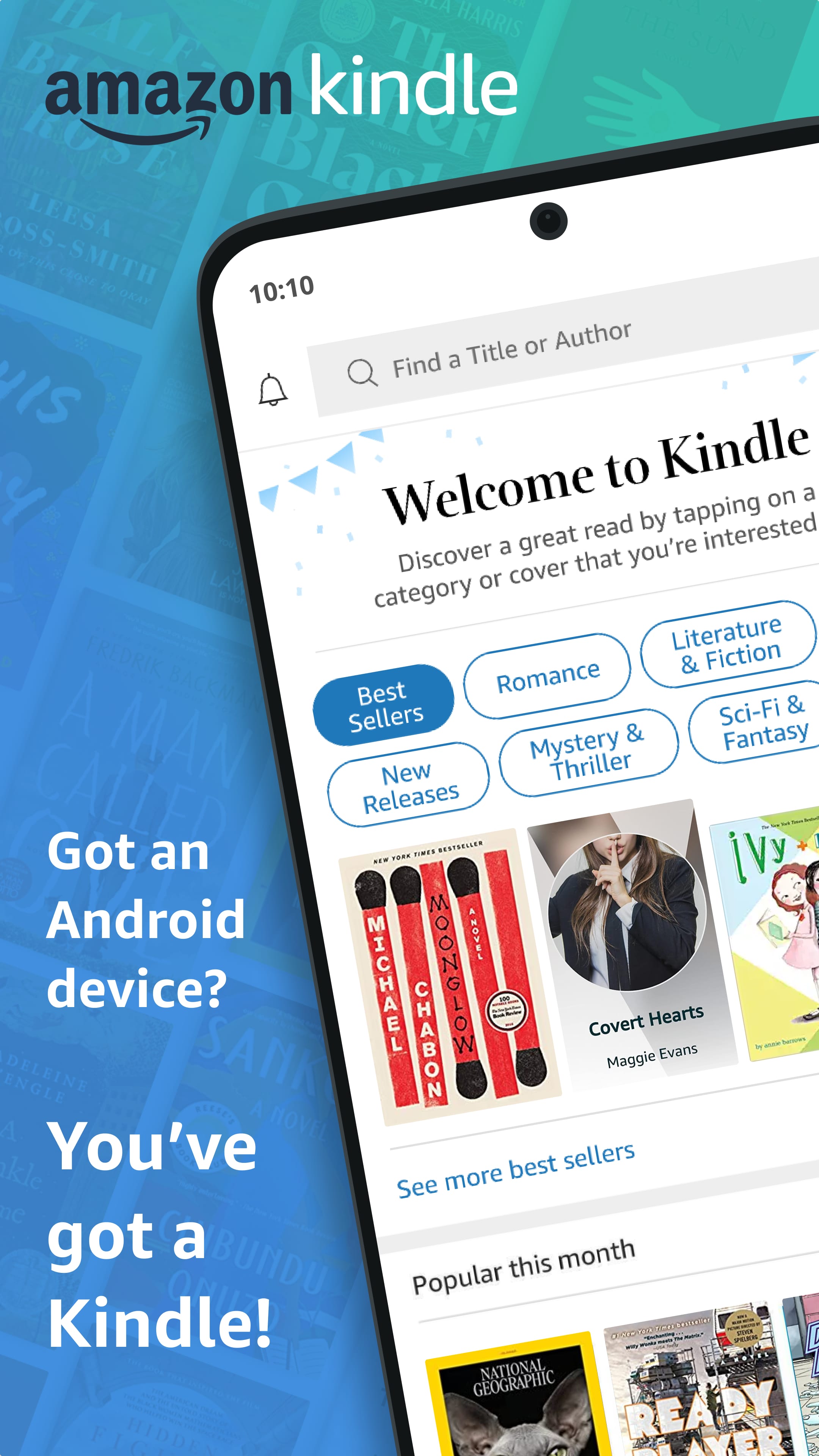
Imagine having instant access to your complete library wherever you are. With Amazon's Kindle app, this is now a reality. This innovative tool revolutionizes the way bibliophiles enjoy their books, converting your mobile device or tablet into a versatile e-reader. Whether you are a dedicated reader who consumes books during your daily travels or someone who likes to unwind with a captivating story before sleep, the Kindle app enhances the reading experience significantly.
The Advantages of the Kindle Application
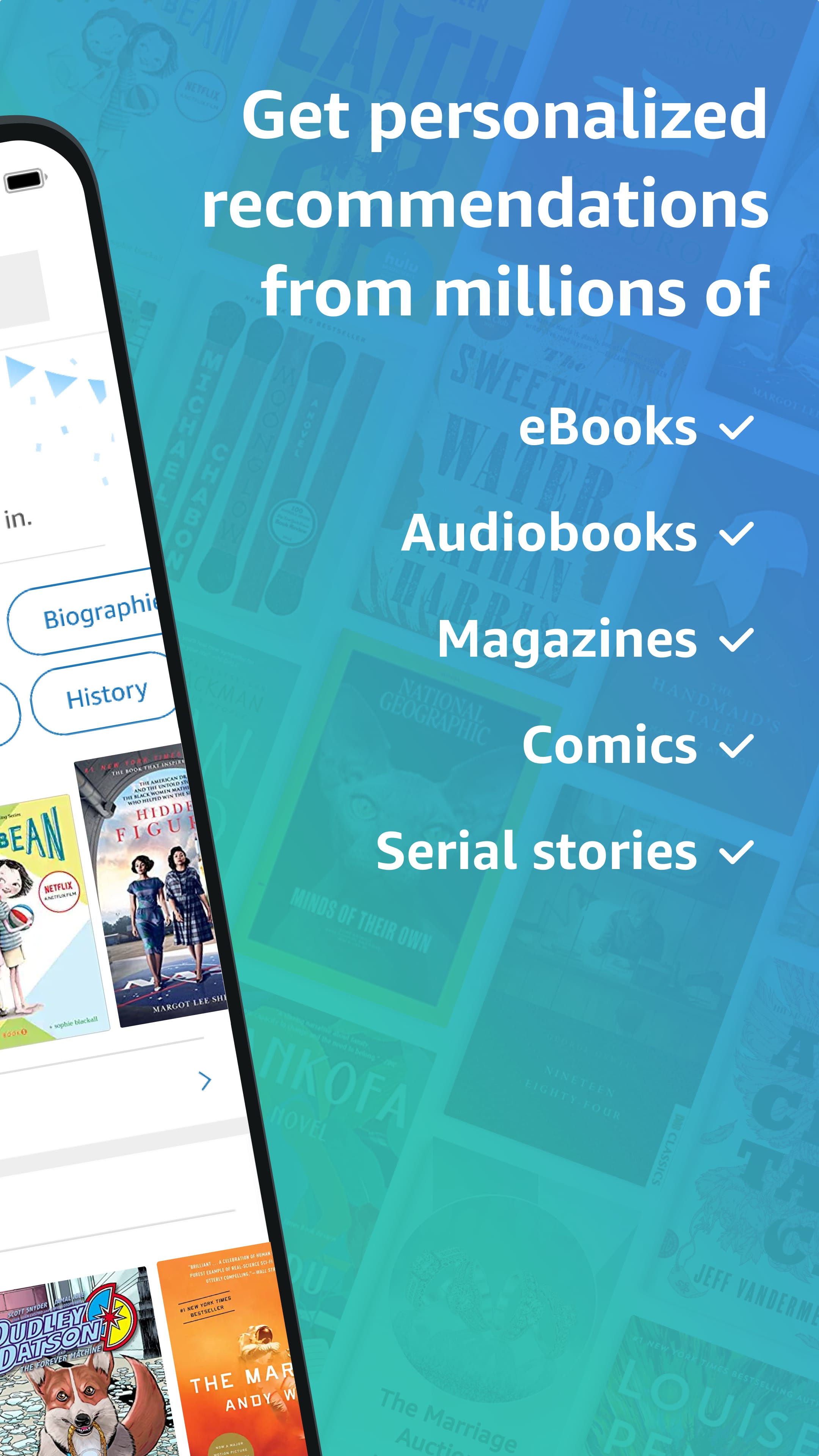
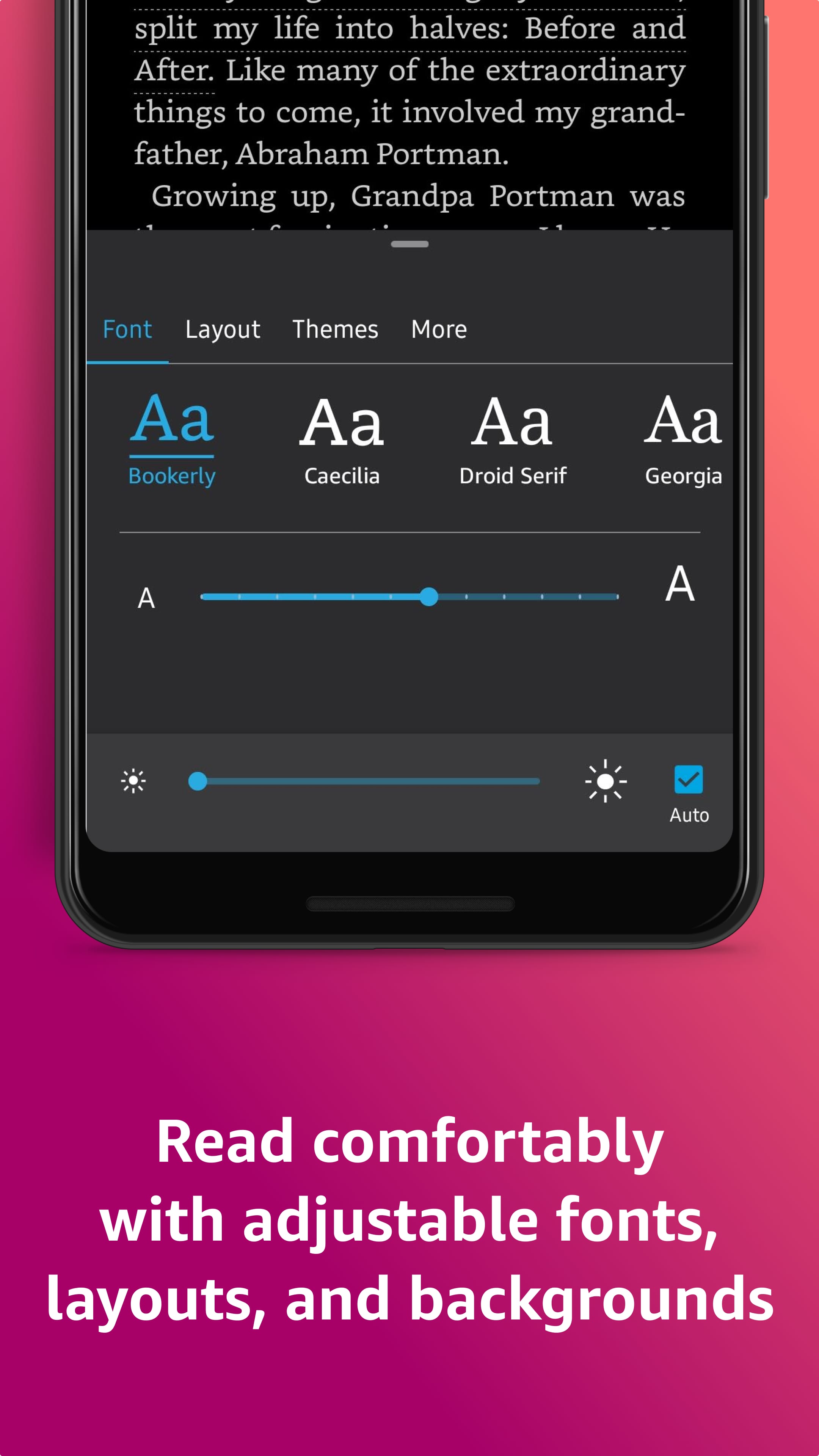
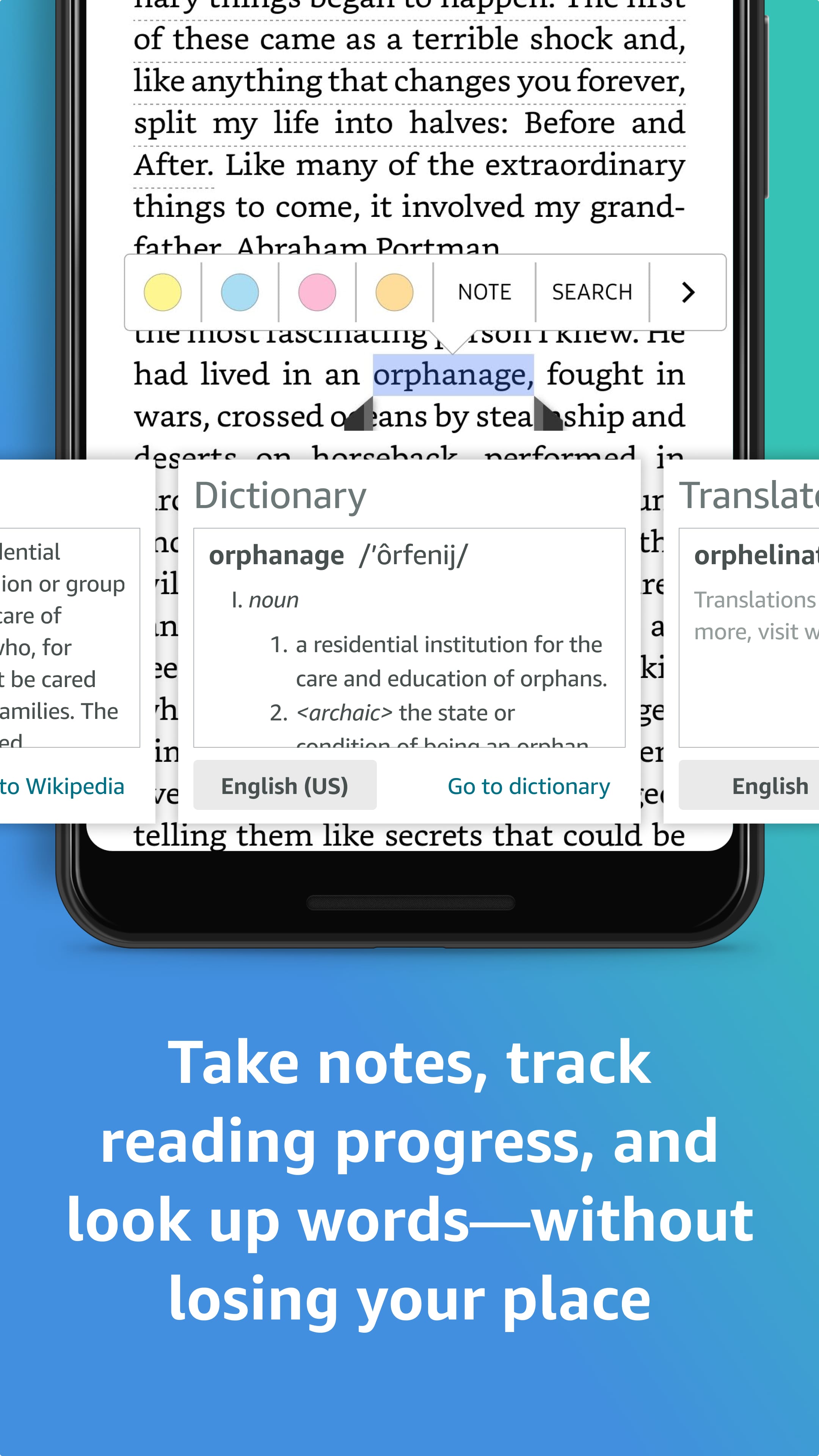
The Kindle app transcends its role as a mere e-book reader, offering a full-featured platform designed to enrich your literary journey and deepen your immersion in every story. Here are some of its standout features: First, an Expansive Digital Library: Envision a collection of millions of titles, ranging from timeless classics to the hottest new releases. The integrated Kindle Store provides a vast selection catering to all interests and genres. Users can explore by category, search for specific books, or even preview samples before purchasing. Second, Tailored Reading Experience: Customize your reading environment by adjusting font type, size, and background color to suit your preferences. The app includes a built-in dictionary for instant definitions and offers highlight and bookmark options to curate your personal collection of favorite excerpts. Third, Enhance Understanding and Vocabulary: The Kindle app promotes interactive reading. Word Wise breaks down complex phrases, while translation tools support bilingual readers and language learners, making it easier to enjoy books in different languages.
Personalize Your Kindle App Experience
The Kindle app excels in its capacity to cater to the unique reading habits of each user. Here are the ways it enhances your reading journey: First, the app offers extensive personalization settings. Say goodbye to eye strain caused by inadequate lighting. With the Kindle app, you can modify the text size, typeface, and background hue to craft an ideal reading atmosphere. Furthermore, the integrated dictionary and text highlighting tools simplify the process of learning new terms and comprehending challenging vocabulary. Second, the app ensures you never misplace your reading progress. It automatically synchronizes your current page across all connected devices, allowing you to transition effortlessly from reading on your smartphone during travel to your tablet at home. Additionally, the app supports annotations such as highlights, notes, and bookmarks, all within the app environment. Third, the Kindle app includes a night mode and accessibility options. For those who read in bed, the night mode feature adjusts the screen's brightness and color balance to provide a comfortable reading experience in dark settings. The app also provides accessibility features like text-to-speech and customizable font sizes, accommodating a wide range of reader needs.
Kindle App versus Traditional Books
While there is an undeniable allure to traditional printed books, the Kindle app provides several notable benefits. Firstly, it offers unparalleled portability and ease of use. With the Kindle app, your entire collection of books can be stored on a single device, eliminating the need to carry around heavy volumes. This feature is particularly advantageous for travelers, daily commuters, or anyone who desires quick access to a wide range of reading materials. Secondly, the app presents a cost-effective and environmentally conscious alternative. Constructing a library of physical books can be quite costly, whereas the Kindle app provides access to a vast array of titles at more affordable prices. Furthermore, by opting for digital books, you contribute to environmental conservation by reducing paper waste. Lastly, the Kindle app includes advanced functionalities that enhance the reading experience. You can effortlessly search for keywords, look up word meanings, or translate text into different languages with just a few taps. The app also offers personalized book suggestions based on your reading preferences, making it easier to find your next great read.
The Kindle App: What Else Awaits You
Amazon continues to revolutionize the Kindle platform with ongoing innovations. Here is a glimpse into the potential advancements in store: 1. Interactive Storytelling: Envision a future where the narratives in your e-books become more engaging through the incorporation of augmented reality, enabling dynamic interactions and a richer reading journey. 2. Advanced Accessibility Options: As technology progresses, the Kindle application is expected to introduce increasingly advanced accessibility tools, broadening its appeal to an even more diverse audience and ensuring that the pleasure of reading is accessible to all.
The Universe of Narratives Awaits Your Exploration
Discover Limitless Reading with the Kindle App
The Kindle app serves as a gateway to a universe of literary exploration, offering much more than a traditional e-reader. With an extensive collection of books, personalized settings, and unparalleled convenience, it transforms reading into an enjoyable and universally accessible experience. Seize the opportunity to download the Kindle app now, delve into the diverse offerings of the Kindle Store, and immerse yourself in your next captivating book. Pro Tip: Many libraries provide ebooks that can be borrowed through the Kindle app. Contact your local library to inquire about their Kindle lending programs and enjoy complimentary access to a wide range of titles!
Collpase
Download
Previous APK Versions
ZIP files containing Android App Bundles require a Split APKs Installer (e.g., SAI) from Google Play to install. Steps: 1.Download SAI from Google Play;2.Open SAI and tap "Install APKs";3.Locate and select your downloaded ZIP file;4.Grant the "Install Unknown Apps" permission if prompted;5.Wait for the process to complete.
V8.83.0.100(1.3.293955.0)
APK
Package Name
com.amazon.kindle
Version Name
V8.83.0.100(1.3.293955.0)
Version Code
1285569011
File Size
101.8 MB
Update time
2023-01-01
You Might Like
  • 01
    How do I install this app after downloading it?

    If you're an Android user and don't download the app from the official Google Play Store,you may find the installation process more complicated than usual.

    But we are delighted to inform you that you don't need to worry. To ensure you could install this app smoothly,we have written and uploaded a detailed tutorial. It would guide you on installing an app after downloading it from our website step by step,with the help of pictures.

    You may find this helpful article on the downloading site,or visit How to install APK/XAPK files on Android.

    If you need further help,please do not hesitate to contact us via email [email protected].

  • 02
    Is this app safe to use?

    We fully understand your concern about safety. We agree that one person wouldn't be too careful in the cyber world. Meanwhile,we are happy to tell you that one of our priorities is to provide our users with safe app files that they can use without any worries.

    We guarantee that all the app files we provided originate from official and reliable sources. We promise that they do not contain any malware that will harm your hardware or the safety of your privacy.

  • 03
    Is this app free to download?

    We are happy to inform you that the answer is an absolute YES! All the apps on our website are 100% free to download. Besides,you do not have to create an account. Just click on the download button,and it's done.

  • 04
    How do I find my account back?

    Recently we received a lot of emails from our users,which said they couldn't log in for different reasons,such as 'forgot the user name or password' or 'had a new phone.' We are willing to help you out. Please read the notes below to see what we can do.

    To answer this question,please first let us know which account you're referring to.

    If you're referring to your account of some app,like your Facebook account or your Youtube account. Unfortunately,we would not be able to help in this case. We would suggest you turn to the customer service of this application.

  • 05
    How do I cancel subscriptions?

    This question is essentially quite similar to the prior one. It's a pity that we are unable to help you to cancel the subscription to a third-party application directly,while we would suggest you to contact its customer service for further information.

  • 06
    How do I get a refund?

    Sorry that we are unable to help you to get a refund from a third-party application directly. If you wish to get a refund from a third-party app,we would suggest you to contact its customer service. We would be happy to provide you the way to contact them.

    If you want a refund from us,we should apologize for your confusion. Our service is 100% free,and any payment information is not required.

    If you run into any site that asks you to provide your payment information,be careful. Remember never reveal your payment information to any unauthorized third parties,no matter how attempting their offer may seem.

  • 07
    How to use this app?

    Sorry that we cannot answer this question directly,for this only aims to answer some general questions. You may find how to use a certain app by checking our review page.